Bubble.io makes it easy to build and launch an app without writing code. But once real users start showing up, hundreds, thousands, maybe tens of thousands, things can slow down fast. Bubble.io scaling issues surface when your app hits traffic volumes or data complexity that the platform wasn't originally designed to handle smoothly. And for founders and technical leaders banking on Bubble as their long-term stack, these bottlenecks raise a critical question: is the platform itself the ceiling, or is there a way to push past it?
The answer, as with most engineering problems, is nuanced. Some scaling issues stem from Bubble's own architectural constraints, shared server resources, limited API throughput, and database query inefficiencies baked into the no-code layer. Others are entirely self-inflicted, caused by poor app design choices that compound under load. Knowing the difference matters, especially before you commit to a costly rebuild.
This guide breaks down the specific causes behind Bubble.io's performance limits, explains where the real ceilings are, and walks through practical fixes you can apply right now. We also cover when it makes sense to migrate off Bubble entirely, something we help teams with at Brilworks, where our engineers regularly step in to rebuild no-code MVPs into scalable, production-grade applications using frameworks like React, Node.js, and AWS infrastructure built to grow with your user base.
Bubble runs on a managed cloud infrastructure that abstracts away server management entirely. When you deploy a Bubble app, your app lives on Bubble's servers, which means you don't configure containers, set up auto-scaling groups, or tune server resources directly. That convenience is the whole point, but it's also where bubble.io scaling issues begin to surface as your app grows beyond a prototype with a handful of users. Understanding the mechanics behind how Bubble actually handles load is the first step toward diagnosing and solving the problems your app will eventually hit.
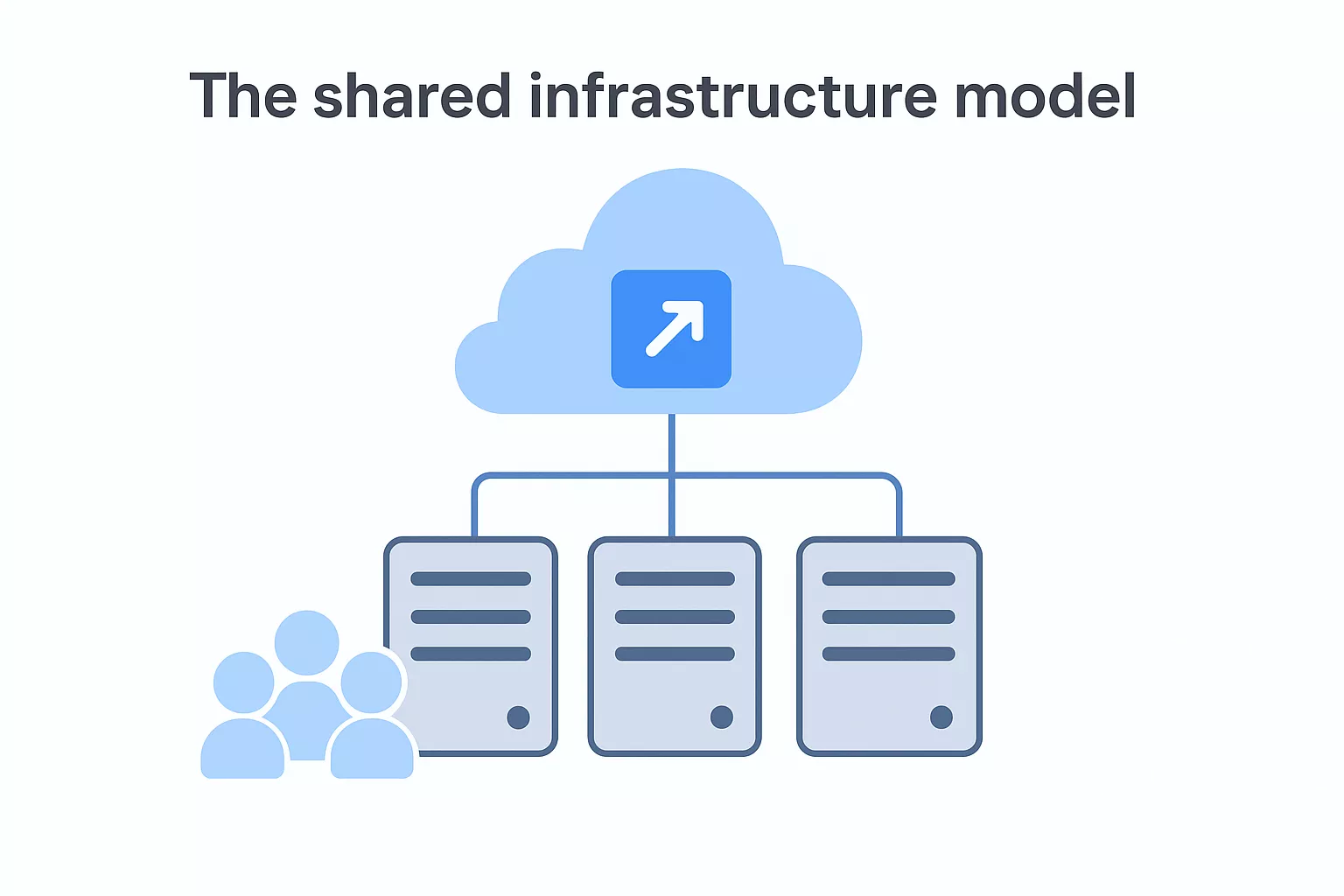
Bubble operates on a shared server architecture for apps on lower-tier plans, meaning your app competes for compute resources with other Bubble apps running on the same cluster. When traffic spikes, those shared resources spread thin. Bubble does offer dedicated plans that allocate your app its own server capacity, but even that setup has a ceiling. The platform tracks server consumption through workload units, a capacity metric that counts how much computation each action in your app requires. Every database search, workflow execution, API call, and page load draws from your workload budget. When you exhaust your monthly allocation, Bubble throttles performance or charges for additional capacity.
Database queries cause the most performance problems in Bubble apps at scale. Bubble uses its own proprietary database layer, and unlike a relational database where you write SQL with indexed lookups, Bubble's search mechanism loads data into memory before applying your filters. If your data type holds 80,000 records and your search has loose constraints, Bubble pulls all 80,000 records into memory first and then narrows the results, which is computationally expensive and slow as your dataset grows.
Workflow execution adds a second major choke point. By default, Bubble runs workflows sequentially, meaning each step waits for the one before it to finish. A user action that triggers six workflow steps must complete each in order. Backend workflows run asynchronously and ease some of this pressure, but complex nested conditions and recursive workflows still burn through workload units quickly and create latency that users feel directly.
API and plugin overhead
Third-party plugins introduce unpredictability that compounds under load. Many Bubble plugins fire API calls from the client side, so your users' browsers handle that network traffic. When multiple plugins activate on the same page, the number of outbound requests multiplies and page load times climb in proportion. Poorly maintained plugins can also trigger unnecessary re-renders or hold open connections longer than required, neither of which shows up obviously in Bubble's debugger.
External API calls routed through Bubble's backend workflows carry their own latency and rate limit constraints. If your app depends on a third-party service for core functionality like payment processing, messaging, or data enrichment, every slow API response from that service becomes your app's slow response. Bubble does not batch API calls natively, which means high-frequency API-dependent workflows hit their limits faster than almost any other bottleneck once your user base scales past a few hundred concurrent sessions.
What "scaling issues" look like in real Bubble apps
Before you can fix a performance problem, you need to recognize what it actually looks like on a running app. Bubble.io scaling issues rarely announce themselves with a clear error message. Instead, they show up as gradual degradation, user complaints about lag, and backend logs full of timed-out workflows. Knowing the specific symptoms helps you pinpoint the root cause faster and stop guessing at solutions.
Slow page loads and repeating groups that crawl
The most common complaint from teams running Bubble apps at scale is that pages take longer to load as the database grows. A dashboard that loaded in under two seconds during development suddenly takes six or more seconds in production. The culprit is almost always a repeating group pulling records without constraints tight enough to limit the result set. Your users see a spinner where data should be, and some of them leave before the page finishes rendering.
Another pattern: your repeating group loads correctly on small data sets but breaks pagination or displays duplicate entries once your data type exceeds a few thousand rows. This happens because Bubble loads data in batches and the sort order becomes inconsistent when records are modified between page loads. If your app relies on user-facing lists of orders, profiles, or transactions, this kind of flicker undermines trust quickly.
Repeating groups connected to unfiltered data types are the single fastest way to kill Bubble app performance at scale.
Workflow failures and timeout errors
Workflows are the second place where scale reveals structural problems. Backend workflows that run fine with ten concurrent users start failing or timing out when fifty users trigger them at the same time. You will see this in your app's server logs as workflow executions that never complete, often because a nested API call exceeded the response time window or a recursive workflow exceeded Bubble's execution depth limit.
Scheduled workflows that process large data sets hit a similar wall. A workflow designed to update all records matching a condition runs fine on 200 records during testing, but when your production database holds 50,000 records, the same workflow either stalls or processes only a fraction of the intended rows before the session ends. Teams often discover this problem after a data integrity issue surfaces, not proactively during development. Catching these failure patterns early, before your user base grows further, is the difference between a fixable architecture and one that requires a full rebuild.
Step 1. Baseline performance and workload usage
You cannot fix what you have not measured. Before making any changes to your Bubble app, establish a performance baseline so you know exactly where your workload budget goes and which parts of your app create the most friction under load. Skipping this step means making changes blind, and many teams waste weeks optimizing areas that contribute almost nothing to their actual bubble.io scaling issues. Start here, and every fix that follows becomes targeted rather than speculative.
Check your workload consumption dashboard
Bubble's built-in Workload tab in the Metrics section of your app dashboard shows you a breakdown of workload consumption by page, workflow, and action type. Open it and review the last 30 days of data. Your goal is to identify which specific workflows or pages are burning the most workload units, because those are the highest-leverage targets for any optimization work you do next.
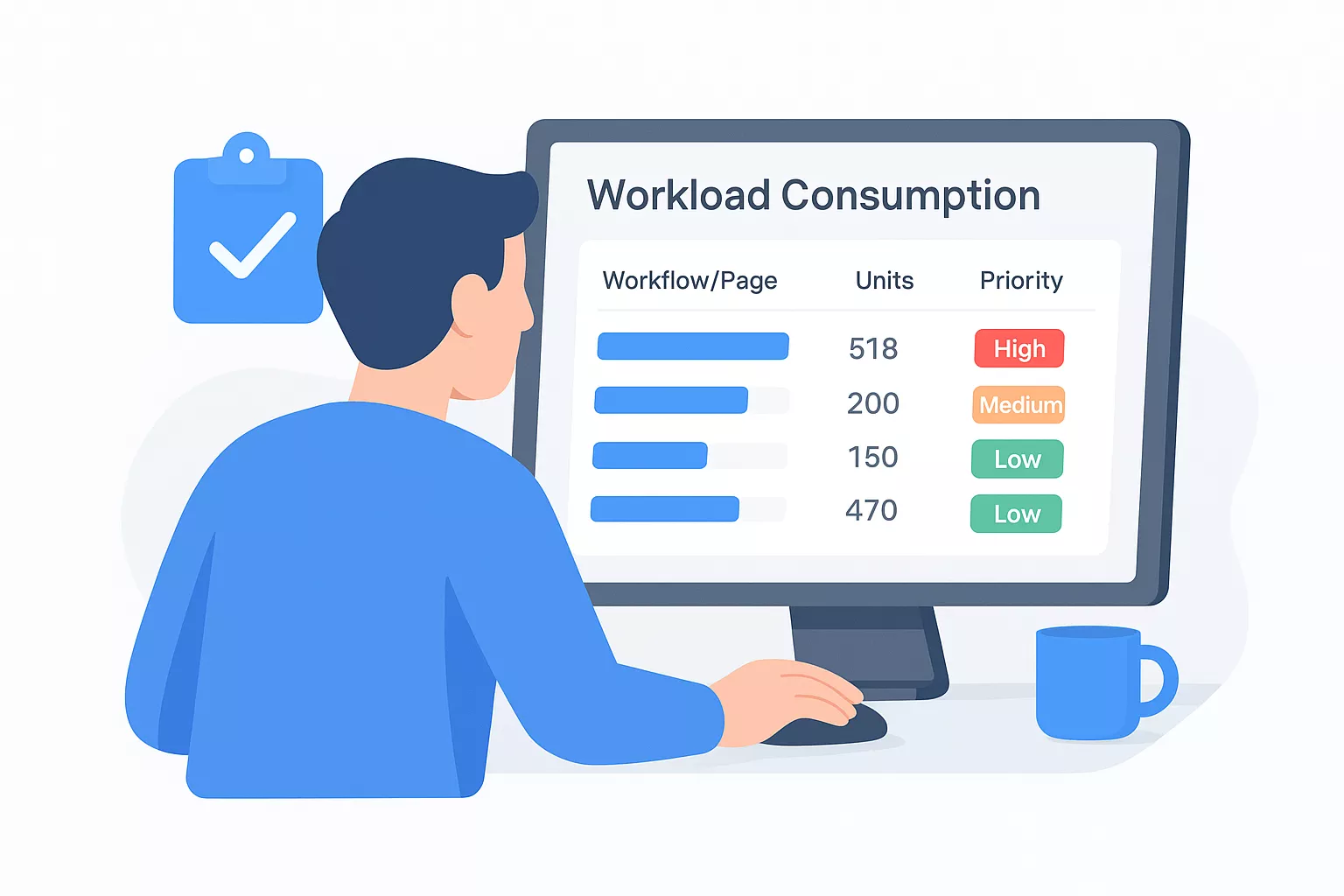
If one workflow accounts for more than 20 percent of your total workload consumption, fix that before touching anything else.
Sort your results by consumption volume and log the top five offenders in a tracking sheet before you make any changes:
| Rank | Workflow or Page Name | Workload Units Used | Action Type | Priority |
|---|
| 1 | [Name] | [Units] | DB Search / API / Workflow | High |
| 2 | [Name] | [Units] | DB Search / API / Workflow | High |
| 3 | [Name] | [Units] | DB Search / API / Workflow | Medium |
| 4 | [Name] | [Units] | DB Search / API / Workflow | Medium |
| 5 | [Name] | [Units] | DB Search / API / Workflow | Low |
Fill this in before touching a single setting. This table becomes your before-and-after comparison once you start applying fixes in the later steps.
Measure real page load times
Bubble's native debugger shows you workflow step timing, but it does not capture what users actually experience in a browser. Open your browser's DevTools Network tab and record a full page load on your most trafficked pages. Pay attention to time-to-first-byte (TTFB) and total load time, and note which requests take the longest to resolve. A TTFB above 600 milliseconds on a Bubble page almost always points to a slow database search or an overloaded server workflow firing on page load.
Run this test across at least three pages: your main dashboard, your highest-traffic data page, and any page that holds a repeating group. Record the TTFB, total load time, and the slowest individual request for each. With both your workload consumption data and your real browser timing in hand, you now have a complete, evidence-based picture of where your app spends its resources. Every fix in the steps that follow targets the specific entries you identified here.
Step 2. Fix database structure, searches, and privacy rules
Your database is the engine underneath every page and workflow in your Bubble app. When that engine runs inefficiently, every user-facing action slows down and your workload consumption climbs without any obvious trigger. Most bubble.io scaling issues that teams blame on the platform actually trace back to one of three database problems: poorly structured data types, unconstrained searches, or privacy rules that run on every query without developers realizing the cost.
Restructure your data types and reduce field bloat
Bubble loads entire data type records when a workflow or search touches them, even if you only need one field. Storing too many fields on a single data type forces Bubble to load more data per record than necessary, which multiplies the cost of every search that touches that type. Break large data types into smaller, purpose-specific ones and use "list of things" fields sparingly, since lists embedded in records grow without bound and slow retrieval as your dataset scales.
Use this checklist to audit your current data structure before making changes:
- Remove any field that no workflow currently reads or writes
- Split any data type with more than 25 fields into two or more focused types
- Replace large embedded lists with a separate data type that references the parent record
- Store calculated values as dedicated fields rather than computing them live inside every search
Constrain every database search
An unconstrained search is the fastest way to tank page performance as your record count grows. Every "Do a search for" in your app needs at least one constraint that filters records at the database level, not after results load. Open your app editor, locate each search action, and confirm it includes a constraint tied to the current user, a status field, or a date range.
A search with zero constraints on a data type holding 10,000 records forces Bubble to load all 10,000 into memory before returning results, regardless of how many you actually display.
Here is what a properly constrained search setup looks like compared to the patterns that cause problems:
| Search Action | Problematic Pattern | Fixed Pattern |
|---|
| Load user orders | Search Orders (no constraints) | Search Orders where User = Current User |
| Filter active listings | Search Listings, filter client-side | Search Listings where Status = "Active" |
| Show recent messages | Search Messages, sort after load | Search Messages where Created Date > 7 days ago |
Audit your privacy rules for query overhead
Privacy rules in Bubble run as filters on every database query that touches the protected data type. If your privacy rules contain complex conditions, nested references, or computed expressions, Bubble evaluates those conditions against every record the search returns before passing results to the front end. Simplify each rule to a single field comparison where possible, and remove any rule that no longer reflects your current user permission model.
Step 3. Optimize the UI and repeating groups
Your user interface layer generates more bubble.io scaling issues than most teams expect. Every element on a Bubble page that references data triggers a request, and pages that load dozens of data-dependent elements simultaneously pile those requests on top of each other. Optimizing your UI means reducing what your app loads, when it loads, and how many records it tries to render at once.
Load data conditionally, not on page load
Most Bubble apps load everything when the page opens, even data the user may never actually view during that session. Replace blanket page-load data fetches with conditional loading tied to user actions. If a tab or modal contains a repeating group, set that group's data source to load only when the tab becomes visible or the modal opens. You do this in Bubble by using the "This element is visible" condition to trigger a workflow that sets a custom state, and binding the repeating group's data source to that custom state so it only populates on demand.
Conditional data loading can cut your page's initial workload consumption by 30 to 50 percent on dashboards with multiple tabs or collapsible sections.
Apply this pattern to any repeating group that sits below the fold or inside a hidden element. Users rarely notice the slight delay when data loads as they interact, but they do notice a slow initial page load every single time.
Limit records, pagination, and cell complexity
Repeating groups that render too many rows at once are one of the most consistent sources of UI-related slowdowns in Bubble apps. Cap your repeating group at 20 to 30 rows per page and implement real pagination using Bubble's built-in list offset. Never set the row count to "unlimited" on a production data type with more than a few hundred records.

Inside each cell, minimize the number of dynamic expressions that reference other data types. Every lookup that crosses a data type boundary inside a cell multiplies by the number of rows you render. For example, if your cell displays a user's name by looking up a linked User record, and your list shows 25 rows, Bubble fires 25 separate lookups. Store the display value directly on the record instead, even if that means writing it at creation time.
Use this checklist to audit each repeating group in your app:
- Set a fixed row limit of 20 to 30 per page
- Add at least one constraint that filters the data source server-side
- Remove any cross-type field lookups inside cells and replace with stored values
- Disable "Load all cells" if you are using Bubble's extended pagination option
- Sort by an indexed field like Creation Date rather than a computed expression
Step 4. Reduce workflow cost and workload burn
Workflows burn workload units every time they execute, and inefficient workflow design multiplies that cost at a rate that catches most teams off guard. If your app already shows signs of bubble.io scaling issues, your workflows are likely a significant contributor. The fixes here are structural: you are not tweaking settings, you are changing how your app processes logic so it uses fewer resources to accomplish the same outcome.
Eliminate redundant workflow triggers
Many Bubble apps accumulate workflows that fire more often than necessary. Duplicate triggers happen when multiple "When a condition is true" workflows monitor the same data field, or when a workflow runs on page load regardless of whether the user actually needs that data path. Audit your workflow list and flag any trigger that runs continuously or fires on every page load without a conditional check that limits its scope.
Removing a single high-frequency redundant trigger can reduce your workload consumption more than any other single optimization in this step.
Replace continuous triggers with event-driven triggers tied to specific user actions wherever possible. If a workflow currently fires every time a field changes, restructure it to fire only when the user explicitly submits a form or clicks a button.
Batch operations and replace client-side logic
Running workflows that update records one at a time is one of the most expensive patterns in Bubble. Bubble's "Make changes to a list of things" action processes multiple records in a single operation instead of looping through them individually. Wherever you currently use a "Repeat" loop to update records, replace it with a bulk action on a constrained list.
Move logic off the client side and into backend workflows for any operation the user does not need to watch happen in real time. Client-side workflows consume browser resources and delay the user interface. Backend workflows run server-side, complete asynchronously, and free your front end to stay responsive. Use this structure as a guide:
| Logic Type | Current Pattern | Recommended Fix |
|---|
| Record updates | Loop through list, update one at a time | Make changes to a list of things |
| Data processing | Client-side workflow on page load | Scheduled backend workflow |
| Conditional checks | Multiple nested "only when" conditions | Single backend workflow with branching |
| API calls | Triggered per user action, inline | Backend workflow, queued on trigger |
Consolidate your nested conditions inside backend workflows as well. Every additional condition branch Bubble evaluates costs workload units, so flattening your logic tree reduces execution cost per run without changing what the workflow actually accomplishes.
Step 5. Use external backends without slowing the app
Connecting an external backend to your Bubble app sounds like a straightforward performance win, but done poorly, it introduces more latency than it removes. The goal of this step is to offload compute-heavy or data-intensive operations to specialized services while keeping your app responsive for users. Tackling bubble.io scaling issues at this layer means treating Bubble as an orchestration layer, not as the processing engine for every task your app performs.
Route heavy operations through backend workflows, not the client
When your app needs to call an external service, trigger that call from a Bubble backend workflow, not from a client-side action tied to a button click or page event. Client-side API calls run in the user's browser, which means network variability, browser resource limits, and visible loading states all affect the experience. Backend workflows run server-side, return control to the front end immediately, and process asynchronously without blocking the user interface.
Routing external API calls through backend workflows cuts perceived latency for users because the interface stays responsive while the server handles the heavy lifting.
Set up your connection pattern like this in Bubble:
- User triggers an action (button click or form submit)
- A client-side workflow fires a "Schedule API Workflow" action immediately
- That backend workflow handles the external API call and writes results to the database
- A conditional check on the front end displays updated data once the backend workflow completes
This pattern keeps your front end fast regardless of how long the external service takes to respond.
Choose what to offload and what to keep in Bubble
Not every operation needs an external service. Moving logic outside Bubble adds integration complexity, and that cost only makes sense when the external system handles the task measurably better. Use this table to guide your decisions:
| Operation Type | Keep in Bubble | Move External |
|---|
| Simple form saves | Yes | No |
| Complex data aggregations | No | Yes (e.g., Xano, Supabase) |
| File storage and delivery | No | Yes (e.g., AWS S3) |
| Authentication logic | Depends on complexity | Yes for enterprise-grade needs |
| Real-time data processing | No | Yes (dedicated websocket service) |
Write clean API connector configurations
Every external service you connect through Bubble's API Connector plugin needs a clean, minimal configuration to avoid adding overhead. Set each call's return type to "Data" and define the response fields explicitly rather than letting Bubble infer them. Undefined response fields force Bubble to parse the full API response on every call, which wastes processing time and workload units when only two or three fields are actually used downstream.
Bubble limits, red flags, and when to re-architect
The fixes in the previous steps resolve most bubble.io scaling issues that stem from poor app design. But some constraints belong to the platform itself, and no amount of query tuning removes them. Before you invest more time optimizing, you need to know which limits are fixed so you can make an honest decision about whether Bubble is still the right foundation for where your product is headed.
Hard limits Bubble cannot overcome
Bubble does not support horizontal scaling across distributed infrastructure. When your app needs more compute, your only lever is upgrading to a higher plan tier with a larger dedicated server. You cannot spin up additional instances, configure load balancers, or distribute traffic across regions the way you can with a cloud-native stack on AWS. Real-time features powered by websockets also remain limited inside Bubble. If your product requires low-latency live data like collaborative editing, live auction bidding, or synchronized multi-user states, Bubble's architecture cannot deliver that experience at scale without significant external service workarounds.
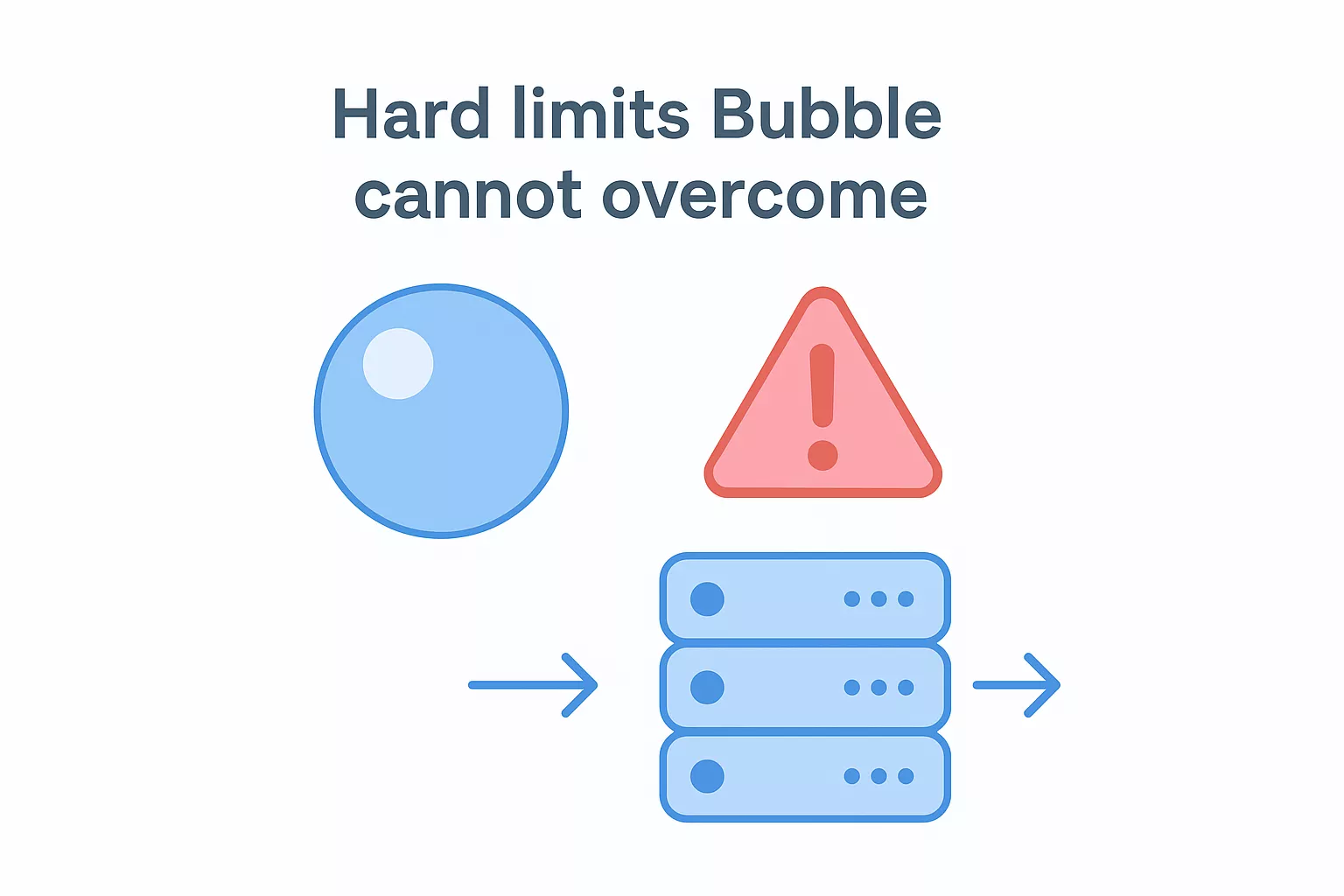
If your core feature depends on real-time, high-concurrency data, Bubble is the wrong runtime for that feature regardless of how well you optimize it.
Here are the hard platform ceilings you need to account for in your planning:
| Constraint | Bubble's Limit | Custom Stack Equivalent |
|---|
| Scaling model | Vertical only (plan upgrades) | Horizontal auto-scaling |
| Database engine | Proprietary, no raw SQL | PostgreSQL, MySQL, etc. |
| Real-time support | Limited, plugin-dependent | Native websocket support |
| API throughput | Plan-capped | Configurable per service |
| Background job control | Scheduled workflows only | Full queue management |
Signs your app has outgrown Bubble
You have applied every fix in this guide and your app still struggles under load. That is the clearest signal. Beyond that, watch for consistent workload overages even after optimization, meaning you are regularly hitting your plan's capacity ceiling during normal usage, not just traffic spikes. If your development team spends more time working around platform constraints than building features, the platform is actively slowing your product roadmap.
Other concrete red flags include needing complex multi-region data residency for compliance, requiring sub-200ms API response times at scale, or hitting a point where your database holds millions of records and search performance degrades regardless of constraints. At that point, rebuilding on a custom backend with proper infrastructure is not an overreaction. It is the only reliable path forward, and the earlier you make that call, the less technical debt you carry into the migration.