COOPERATION MODEL
ARTIFICIAL INTELLIGENCE
PRODUCT ENGINEERING
DevOps & Cloud
LOW-CODE/NO-CODE DEVELOPMENT
INDUSTRY
FRONTEND DEVELOPMENT
CLOUD DEVELOPMENT
MOBILE APP DEVELOPMENT
LOW CODE/ NO CODE DEVELOPMENT
EMERGING TECHNOLOGIES



 5 mins read
 Last updated December 11, 2025
Generative AI, and now Vibe coding tools, have fundamentally changed the software development approach. App building is now within the reach of non-technical individuals. Developers have the ability to build a basic, functional application using high-level natural language prompts. For professional developers, it is very hard to ignore these tools.
For developers, not just knowing these vibe coding websites/apps is crucial, but also, it becomes one of the most important decisions to make to learn and choose the right Vibe coding platform.
This article dissects the seven most dominant AI Vibe coding tools (apps and websites) that define the current ecosystem. We will clarify exactly who each one is for and when it is best to use them. From the professional-grade IDEs that require engineering discipline to the pure browser-based builders that promise instant prototypes, we will help you match your project’s goals to the right technological partner.
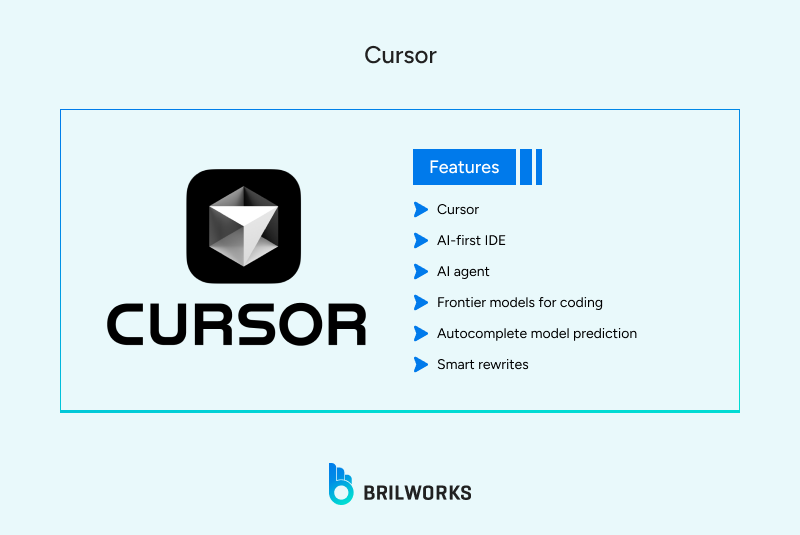
Cursor is a standout as an Integrated Development Environment (IDE) built from the ground up to be AI-first. It retains the familiar feel of a modern editor but is deeply integrated with your codebase, allowing you to ask the AI complex, multi-file questions and enact large-scale refactors with a single prompt.
The most significant signal of Cursor's strength is that 100% of Nvidia’s engineers reportedly use it, cementing its place as a core tool for world-class, high-stakes development.
Startups are spending aggressively on it. Unlike purely browser-based tools, Cursor is used for large projects. It explicitly addresses the risk of "vibe coding" with features like Bugbot to catch AI-introduced errors and protect developers from code they generate too quickly.
In essence, Cursor is best-in-class for people who actually know how to code. It excels at complex, multi-file changes where a deep understanding of the project context is vital. However, the expectation is that you will bring your own engineering discipline; vibe-coding an entire app end-to-end is widely called out as a potential trap. You still need to review and test.
You should use Cursor if you value real engineering practices.
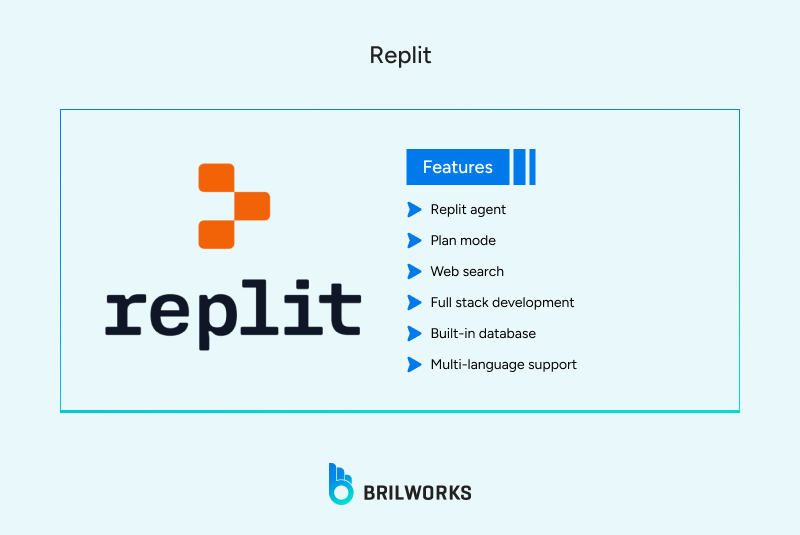
Replit is a cloud-based development environment that combines an IDE, an AI agent, and hosting. As a result, it offers the fastest path from an initial idea to a working, hosted product, all in a browser with zero setup.
Replit is massive for indie hackers, designers, and non-engineers who can skip the painful process of environment setup entirely. High startup spending data places Replit as one of the top overall AI-native SaaS platforms.
It gives you the "pure vibe" experience, unlocking productivity for quick launches and experimenting.
However, its focus on speed can come with a cost. There have been several viral stories of its AI causing major production issues, such as fabricating users or wiping data, reminding users that the exuberance of a fast prototype needs to be tempered with caution.
You can use Replit when quick iteration, collaboration, and playfulness matter more than long-term stability and deep maintainability. It's perfect for a weekend hackathon or a small proof-of-concept (POC). However, you must perform manual review if you intend to use it for anything serious.
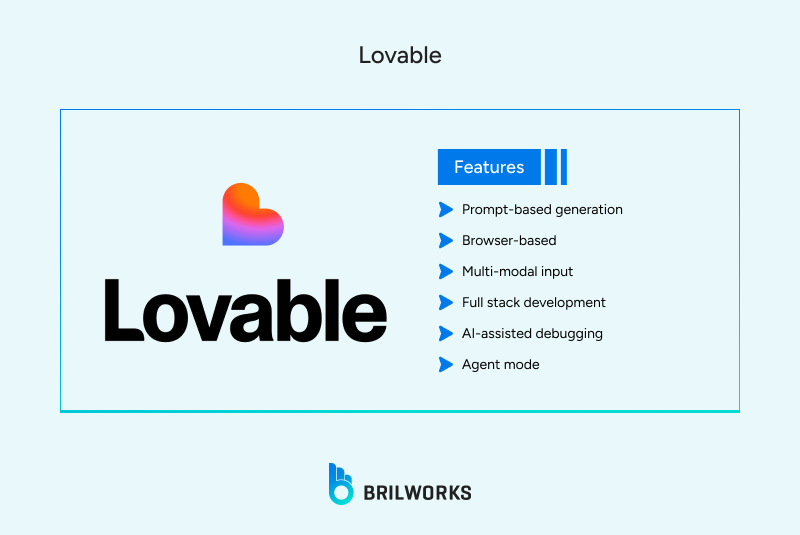
Lovable is a browser-based tool that specializes in rapid, full-stack project scaffolding. The premise is simple: you describe your app (UI, backend, and deployment requirements) in natural language, and the AI builds the basic structure. It is heavily pitched at non-coders and founders.
Lovable is one of the most popular platforms for this style of development in 2025. It has a beginner-friendly interface and is arguably the fastest tool for generating a clickable, presentable POC or a simple landing page. It is, therefore, seen by many as the "face of vibe coding."
Lovable is fast for demos, small Software as a Service (SaaS) experiments, and validating a product idea. Having said that, you should absolutely not trust it alone for complex, long-lived enterprise applications.
It is one of the most-loved tools for a startup founder. Developers primarily use this to bootstrap a demo or Minimum Viable Product (MVP) with the clear expectation that they will later export and harden the codebase in a professional IDE tool like Cursor.
Windsurf is another IDE with an embedded AI agent, known as “Cascade.” Stylistically and technically, it sits close to Cursor, positioning itself as a platform for serious, professional development augmented by AI.
Windsurf is consistently grouped with top-tier, professional setups like Cursor and VS Code in tooling comparisons. It’s loved by developers who already write code and are looking for an AI-first editor that offers a slightly different AI model or user experience than Cursor. Data shows it is being used for more complex, long-running projects than the pure vibe tools like Lovable and Replit.
However, it is not beginner-friendly and demands existing technical literacy. For this reason, it is considered a peer to Cursor rather than a tool for non-technical users.
Use Windsurf if you are an experienced technical person looking for an alternative user experience or AI agent model to Cursor, but you still require the same level of capability and control for serious, production-grade work.
GitHub Copilot is the de facto AI assistant built directly into the major Integrated Development Environments (IDEs) such as VS Code and JetBrains. It functions as an AI pair programmer, providing inline suggestions, code completion, and function generation.
Developer surveys routinely show Copilot as the most widely used AI coding assistant globally. It is the accepted industry baseline that has paved the way for all other tools. Because it integrates into the existing, familiar GitHub and IDE workflow, it is seen by traditional teams as less politically risky than adopting new, full-stack browser environments. It frames the AI experience as "vibe coding inside classic workflows," where the developer retains full control over the project structure, deployment, and architecture.
GitHub Copilot is the safest, most universal choice inside established teams. It is excellent for improving speed on existing projects and is great for the developer who still wants to write code, just significantly faster.
While incredibly powerful, Copilot is not an end-to-end application builder. It helps you write code; it does not build the project structure or handle deployment. It should be your universal starting point and baseline AI tool. You can then layer more aggressive agentic tools, like Cursor or Claude Code, on top of it for greater capabilities.
Claude Code is a command-line and terminal-embedded assistant built on Anthropic’s Claude models. It is specifically designed to operate directly on your local repository and infrastructure files.
The terminal integration allows Claude Code to be deeply aware of the entire project structure, making it exceptional for large, multi-file edits and holistic code changes that span across a repository. It has a strong reputation for being "more careful, less chaotic" than some rivals. It focuses on making controlled, multi-line edits and generally requires explicit approval before modifying files.
It excels in large repositories and infrastructure-as-code workflows, making it the perfect tool for tasks like managing Terraform, AWS, and complex Stripe integrations. Naturally, its terminal-first design gives it a high setup and usage curve for beginners. It is definitely not a one-click, "build me a SaaS" toy.
Claude Code is the strongest tool for large repositories and infrastructure-as-code workflows. Use this when you care about quality, control, and deep project context, and you are comfortable working directly in the terminal environment.
Bolt, accessible via bolt.new, is a browser-based, full-stack environment built on the powerful StackBlitz WebContainers. You chat with the AI, and the live code and the preview update simultaneously in real time, often offering a fantastic, smooth experience.
Bolt is best described as a "guided sandbox." The instantaneous feedback loop—where you prompt the AI and immediately see the live result—makes it great for interactive learning and tutorials. It is fantastic for quickly validating product ideas and building isolated features, providing a great playground environment.
While it's a great place to start an idea, it is not designed for serious, long-term production systems. It is another example of a high-velocity, low-commitment tool.
You can use Bolt as the rapid idea validator. Use this when you want to quickly learn a new framework or validate a simple product idea without any commitment to a long-term architecture or complex infrastructure setup.
The best AI tool depends entirely on your current skill level and your project's phase. The market is clearly segmented between AI Builders (velocity-focused, zero-setup) and Agentic IDEs (precision-focused, deep code context).
Your goal is speed-to-market and getting a clickable product as quickly as possible.
Start with Lovable or Replit to generate your first working app. These tools will handle the entire setup, allowing you to focus on the functionality and user interface.
Use Bolt for a quick tutorial or to validate a simple feature idea in a safe, real-time sandbox.
Graduate to Cursor or Windsurf once your project requires real engineering quality, reliable testing, and deployment stability that scales beyond a prototype.
Your goal is maximum augmented efficiency with minimal risk and high-quality results. You need a mix of tools for different jobs.
Set GitHub Copilot as your essential baseline for everyday coding acceleration and inline suggestions. It's your ubiquitous AI partner.
Adopt Cursor or Windsurf as your primary AI-first IDE for large-scale, controlled refactors and deep project understanding where you need an agent to work on multiple files.
Keep Claude Code available as a specialized power tool for deep surgery on infrastructure-as-code and complex, high-context, multi-file changes in the terminal.
Isolate Lovable, Replit, or Bolt strictly for quick experiments and validation—never use them on your core product's main branch.
The year 2025 has cemented a single truth in software development: a developer’s job is no longer to be a syntax expert, but an excellent AI prompter, manager, and reviewer. The rise of Vibe Coding is not about replacing developers; it is about replacing boilerplate and toil with high-level direction.
As this guide has shown, the best developers are using a hybrid stack—they recognize that no single tool is perfect for every task. They rely on the foundational, less politically risky help of GitHub Copilot for daily speed, leverage the deep agentic power of Cursor or Windsurf for large projects, and use the rapid prototyping abilities of Lovable or Replit to validate ideas instantly. Meanwhile, the specialized power of Claude Code is reserved for the most complex, infrastructure-heavy work.
The tools are now intelligent partners, but they are partners who must be led. Ultimately, the best code in 2025 is not the one written fastest, but the one that is generated by AI and then meticulously reviewed, tested, and secured by a human expert. Mastery of Vibe Coding is not about blindly trusting the AI's output, but knowing which tool to use for which task, and most importantly, knowing when to review.
Vibe coding is a modern approach to application development where the developer primarily relies on a Large Language Model (LLM) or an AI agent to generate, refine, and debug code using high-level, natural language prompts. Instead of writing code line-by-line, the developer’s role shifts to being an architect and manager, guiding the AI to produce the desired functionality and then reviewing the output. The term was popularized by AI researcher Andrej Karpathy in early 2025.
Absolutely not. While vibe coding has a lower barrier to entry and is fantastic for beginners, the professional adoption is driven by experienced developers using it for maximum efficiency. Vibe coding does not replace developers; it augments them. The most critical skills for a professional in 2025 are still high-level system design, architecture, performance tuning, and the ability to find and fix subtle bugs in AI-generated code.
The biggest risk is the lack of code accountability and the high potential for introducing subtle bugs or security vulnerabilities. Tools focused purely on speed (like some features in Replit or Lovable) can quickly generate code that the human developer hasn't had time to fully understand or test. This creates "code debt"—a system full of unvetted, potentially flawed code. The best tools, like Cursor, address this with built-in bug-catching agents to enforce discipline.
(Cursor, Windsurf)? It depends entirely on your project phase: Choose an AI Builder if your goal is rapid, zero-setup prototyping, building an MVP, or launching a demo in a weekend. Speed is your priority. Choose an Agentic IDE if your goal is building a long-term, production-grade application, working in a professional team, or performing complex refactors on an existing, large codebase. Precision and control are your priorities.
Yes. Tools like GitHub Copilot, Cursor, Windsurf, and Claude Code are specifically designed to be integrated with your existing local and remote repositories. They use the context of your files to provide highly relevant and accurate suggestions or agentic changes. Browser-based tools like Replit and Bolt are generally better suited for greenfield (new) projects or isolated experiments.
Get In Touch
Contact us for your software development requirements
Get In Touch
Contact us for your software development requirements

Hello, we are BRILLIAN’S. Trying to make an effort to put the right people for you to get the best results. Just insight !

 503, Fortune Business Hub, Science City Road, Sola, Ahmedabad, Gujarat, India Pincode- 380060
 + 91 9313644148
 sales@brilworks.com


