COOPERATION MODEL
ARTIFICIAL INTELLIGENCE
PRODUCT ENGINEERING
DevOps & Cloud
LOW-CODE/NO-CODE DEVELOPMENT
INDUSTRY
FRONTEND DEVELOPMENT
CLOUD DEVELOPMENT
MOBILE APP DEVELOPMENT
LOW CODE/ NO CODE DEVELOPMENT
EMERGING TECHNOLOGIES


BrowseX uses advanced AI to understand websites, extract data, fill forms, and complete complex workflows—all through simple natural language commands. Transform your browser into an intelligent assistant.
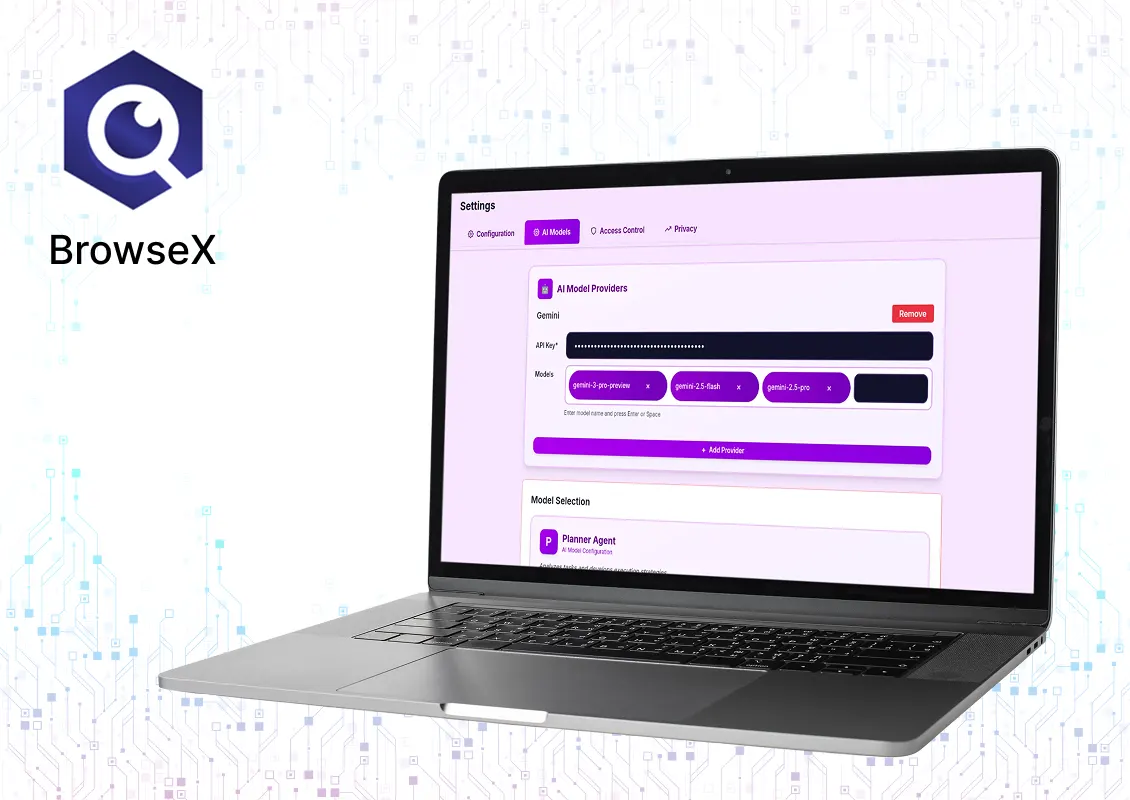
Stop clicking. Start automating. Transform your browser into an intelligent assistant.
Tell BrowseX what you want in plain English. Our AI agent understands your goal, plans the steps, and executes them automatically—no coding required.
Record any web workflow once, then replay it with a single click. Perfect for repetitive tasks with parameterization and data-driven testing.
Extract structured data from any website with AI precision. Export to CSV, handle dynamic content, and extract from tables automatically.
Let AI fill out forms based on your instructions or imported data. Perfect for job applications, surveys, and bulk data submission.
Our vision-enabled AI sees web pages like a human, understanding layouts and identifying elements even when traditional selectors fail.
Firewall rules, URL filtering, privacy-first design with local processing, and anti-detection features for legitimate use cases.
Powerful automation capabilities at your fingertips
Describe tasks in plain English
Record and replay workflows
Extract structured data from websites
Automated form filling
AI sees pages like a human
Speech-to-text for hands-free control
Firewall rules and privacy controls
Handle complex workflows
Data-driven testing
Simple steps to automate your web workflows
Add BrowseX to Chrome and connect your AI model
Describe what you want in natural language
AI plans and executes your task automatically
Record workflows and replay anytime
Perfect for various professionals and use cases
Built with advanced technology for reliability and performance
Connect BrowseX with your choice of AI provider
OpenAI (GPT-4, GPT-4 Vision)
Anthropic (Claude 3.5 Sonnet)
Google (Gemini)
Azure OpenAI
Custom OpenAI-compatible endpoints
Ready to automate your web workflows? Install BrowseX for Chrome and transform your browser into an intelligent assistant. No credit card required. Bring your own AI API key.
No! BrowseX is designed for everyone. Just describe what you want in natural language.
Yes. BrowseX processes everything locally in your browser. Your AI API keys are stored securely and never leave your device.
BrowseX works with almost any modern website, including dynamic JavaScript applications.
Yes, but please review our terms of service and respect website terms of use and robots.txt files.
For best results, we recommend GPT-4 or Claude 3.5 Sonnet. Vision models are recommended for complex layouts.
Stop clicking. Start automating. Transform your browser into an intelligent assistant with BrowseX. Save hours daily with AI-powered web automation.

Hello, we are BRILLIAN’S. Trying to make an effort to put the right people for you to get the best results. Just insight !

 503, Fortune Business Hub, Science City Road, Sola, Ahmedabad, Gujarat, India Pincode- 380060
 + 91 9313644148
 sales@brilworks.com


