COOPERATION MODEL
ARTIFICIAL INTELLIGENCE
PRODUCT ENGINEERING
DevOps & Cloud
LOW-CODE/NO-CODE DEVELOPMENT
INDUSTRY
FRONTEND DEVELOPMENT
CLOUD DEVELOPMENT
MOBILE APP DEVELOPMENT
LOW CODE/ NO CODE DEVELOPMENT
EMERGING TECHNOLOGIES



 12 mins read
 Last updated March 30, 2026
Moving workloads off on-premises servers, or from one cloud provider to another, sounds straightforward until you're knee-deep in dependency mapping, data integrity checks, and downtime windows. The right tooling can mean the difference between a clean cutover and weeks of firefighting. That's exactly why picking from the best cloud migration tools matters more than most teams realize before they start. At Brilworks, we've helped companies plan and execute cloud migrations on AWS, so we've seen firsthand how tool selection shapes the entire project trajectory.
This guide breaks down 14 tools built for migrating apps, databases, and servers to the cloud. We cover what each tool does best, where it falls short, and which migration scenarios it fits. Whether you're a CTO evaluating a lift-and-shift of legacy infrastructure or a founder preparing to move a growing product to a more scalable environment, you'll find practical options here, not just a list of logos.
Every tool on this list has been evaluated based on supported workload types, automation capabilities, and real-world reliability. We also factored in pricing models and vendor lock-in risk, because a migration tool that creates more problems than it solves defeats the purpose. Let's get into the specifics of each option so you can match the right tool to your actual migration needs.
Brilworks is a software engineering company that specializes in cloud migration, application modernization, and AWS infrastructure. Unlike the tools listed in the rest of this guide, Brilworks is a services partner, which means you get a dedicated team that handles the full migration from discovery through go-live, rather than software you configure and run yourself.
Brilworks approaches migration in structured phases. The team begins with a discovery and assessment phase where they map your existing infrastructure, identify dependencies, and flag workloads that need re-architecting before they move. From there, they build a migration runbook tailored to your environment and risk tolerance.
The actual migration work uses either a lift-and-shift or re-platform strategy, depending on what each workload needs. Legacy monoliths often get refactored into containerized services during the move so you arrive in the cloud with a cleaner architecture, not just a direct copy of your old setup. Brilworks has specific depth in AWS services including EC2, RDS, Lambda, and EKS, so workloads land on infrastructure that's configured correctly from day one.
Migrating without a proper assessment phase is one of the most common reasons migrations run over budget and past deadline.
Brilworks works best when you need more than a standalone tool. If your migration involves legacy backend systems, complex database dependencies, or a simultaneous modernization effort, a managed services approach closes the gaps that self-service tooling tends to leave open.
Common scenarios where teams choose Brilworks include:
Brilworks operates on a project-based or retainer engagement model, not a per-seat software license. Pricing depends on the scope of the migration, the number of workloads involved, and whether modernization work runs alongside the move itself.
You can contact the team directly for a scoped estimate based on your actual environment. This works better than flat-rate pricing for migrations because no two infrastructures carry the same complexity, and generic pricing tiers rarely reflect what your project genuinely requires.
Azure Migrate is Microsoft's native hub for discovering, assessing, and migrating workloads to Azure. It consolidates multiple migration tools under one interface, so you don't have to juggle separate products for servers, databases, and applications.
The tool uses agentless discovery to scan your VMware, Hyper-V, or physical server environments and build a complete inventory of your workloads. From there, it runs dependency analysis and readiness assessments to flag compatibility issues before you commit to a migration path.
Running a dependency analysis before you replicate anything is the step most teams skip, and it's also the one that prevents the most cutover problems.
Replication happens through the Azure Migrate: Server Migration tool, which continuously syncs data to Azure until you trigger the final cutover. This keeps your downtime window short because most of the data is already in Azure before you flip the switch.
This tool fits teams running Microsoft-heavy on-premises environments who have chosen Azure as their target cloud. It handles VMware and Hyper-V migrations particularly well and integrates with the broader Azure ecosystem without extra configuration.
Common use cases include:
Azure Migrate is free to use for discovery, assessment, and migration orchestration. You only pay for the Azure resources your workloads consume once they're running in the cloud, including compute, storage, and networking. Microsoft's pricing calculator at azure.microsoft.com lets you estimate those costs before you move anything, which is a practical step worth doing early when comparing the best cloud migration tools for your budget.
AWS Application Migration Service (AWS MGN) is Amazon's primary tool for lifting and shifting servers from on-premises environments, VMware, or other clouds directly to AWS. It replaced the older CloudEndure Migration service and handles the core mechanics of replicating your servers to AWS without requiring application changes.
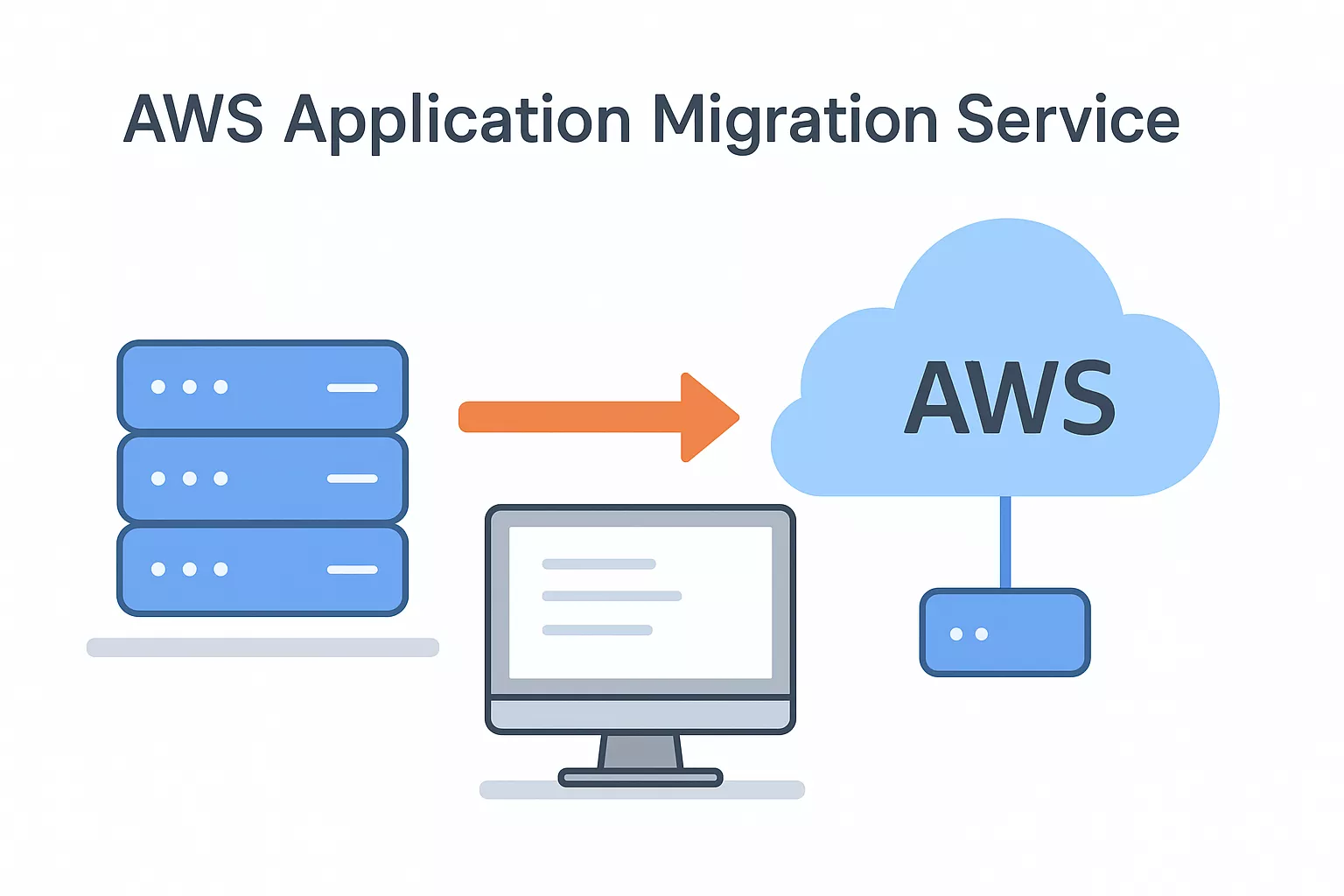
AWS MGN installs a lightweight replication agent on your source servers, then continuously replicates block-level data to a staging area in your target AWS region. This ongoing replication means your source servers stay fully operational during the process, and the actual cutover window shrinks to minutes rather than hours.
Continuous block-level replication is what separates AWS MGN from older snapshot-based approaches, and it's the main reason cutover downtime stays short.
Once replication reaches a steady state, you can run non-disruptive test launches to validate that your workloads perform correctly in AWS before you commit to the final cutover. This test-before-you-cut approach catches compatibility issues early without touching production traffic.
AWS MGN works best when your target cloud is AWS and your goal is a fast lift-and-shift without rewriting application code. It handles physical servers, virtual machines, and cloud instances from competing providers equally well.
Common use cases include:
AWS MGN is free to use for up to 90 days per migrated server. After that window, standard AWS charges apply to the EC2 instances and storage your workloads consume. You can review current rates on the AWS Application Migration Service pricing page. For teams comparing the best cloud migration tools on a budget, this 90-day free window gives you enough runway to complete most standard server migrations without adding tool costs on top.
AWS Database Migration Service (AWS DMS) is Amazon's dedicated tool for moving databases to AWS with minimal disruption to your running applications. It handles both homogeneous migrations (Oracle to Oracle) and heterogeneous migrations (Oracle to Aurora), which makes it one of the more flexible database options among the best cloud migration tools covered in this guide.
AWS DMS works by creating a replication instance that reads from your source database and writes continuously to your target. This continuous data replication keeps your source database fully operational during the migration, which shrinks your required downtime window to minutes rather than hours.
For heterogeneous migrations, you pair DMS with the AWS Schema Conversion Tool (SCT), which converts your source schema and stored procedures into the target database format before replication begins. Running SCT first gives you a cleaner starting point and reduces the number of errors you troubleshoot mid-migration.
Running SCT before you start replication is the step that prevents most compatibility failures in heterogeneous database migrations.
Teams that need to migrate database workloads to AWS without extended outages will get the most from AWS DMS. It supports a wide range of source and target engines, including Oracle, SQL Server, MySQL, PostgreSQL, and MongoDB.
Common use cases include:
AWS DMS charges based on replication instance hours and the storage your replication tasks consume. The free tier covers 750 hours per month of a Single-AZ dms.t2.micro instance for the first year. You can review current rates on the AWS Database Migration Service pricing page.
Google Cloud Migration Center is Google's unified platform for discovering, assessing, and planning migrations to Google Cloud. It pulls inventory data from your existing environment and consolidates it into a single view so you can make informed decisions before you move anything.
Migration Center collects asset inventory data from your on-premises servers and databases using either direct import or integration with tools like Google's StratoZone. It then runs readiness assessments and fit scoring to show you which workloads are ready to migrate, which need refactoring, and what your estimated cloud costs will look like after the move.
Getting a fit score for each workload before you commit to a migration path saves you from expensive course corrections mid-project.
The platform focuses heavily on the planning and assessment phase rather than the actual data transfer. For execution, you pair it with tools like Migrate to Virtual Machines or Database Migration Service depending on your workload type.
Migration Center fits teams that have chosen Google Cloud as their target and want structured assessment data before committing to a migration plan. It's one of the more practical options among the best cloud migration tools when your team needs clarity on workload complexity upfront.
Common use cases include:
Google Cloud Migration Center is free to use for discovery and assessment work. You only pay once your migrated workloads start consuming Google Cloud resources like compute and storage.
You can review current rates on the Google Cloud pricing page before you finalize your migration budget.
Azure Database Migration Service (Azure DMS) is Microsoft's managed service for moving databases to Azure with minimal application downtime. It handles both homogeneous and heterogeneous migration scenarios, so you're not limited to moving SQL Server databases to SQL Server targets only.
Azure DMS uses a continuous data sync approach for online migrations, which keeps your source database running and accepting transactions while replication proceeds in the background. Once replication catches up, you trigger a cutover and the downtime window stays short. For heterogeneous migrations, such as Oracle to Azure Database for PostgreSQL, you use the Azure Database Migration Guide alongside DMS to convert your schema before replication starts. Skipping schema conversion before you begin replication is the most common reason heterogeneous migrations stall mid-process.
Validate your converted schema against a test workload before you start replication, and you'll avoid the bulk of compatibility errors that slow cutover.
Azure DMS fits teams migrating database workloads into the Azure ecosystem who need a managed service rather than self-managed tooling. It handles several database engines across both online and offline modes, making it one of the more practical picks among the best cloud migration tools for Microsoft-aligned environments.
Common use cases include:
Azure DMS offers a free tier through its Standard pricing tier for offline migrations. Online migrations with continuous sync require the Premium tier, which is priced per virtual core.
VMware HCX is a workload mobility platform designed specifically for migrating and reprotecting VMware-based workloads across data centers and cloud environments. It sits in a unique position among the best cloud migration tools because it's purpose-built for VMware shops rather than general-purpose server or database migration.
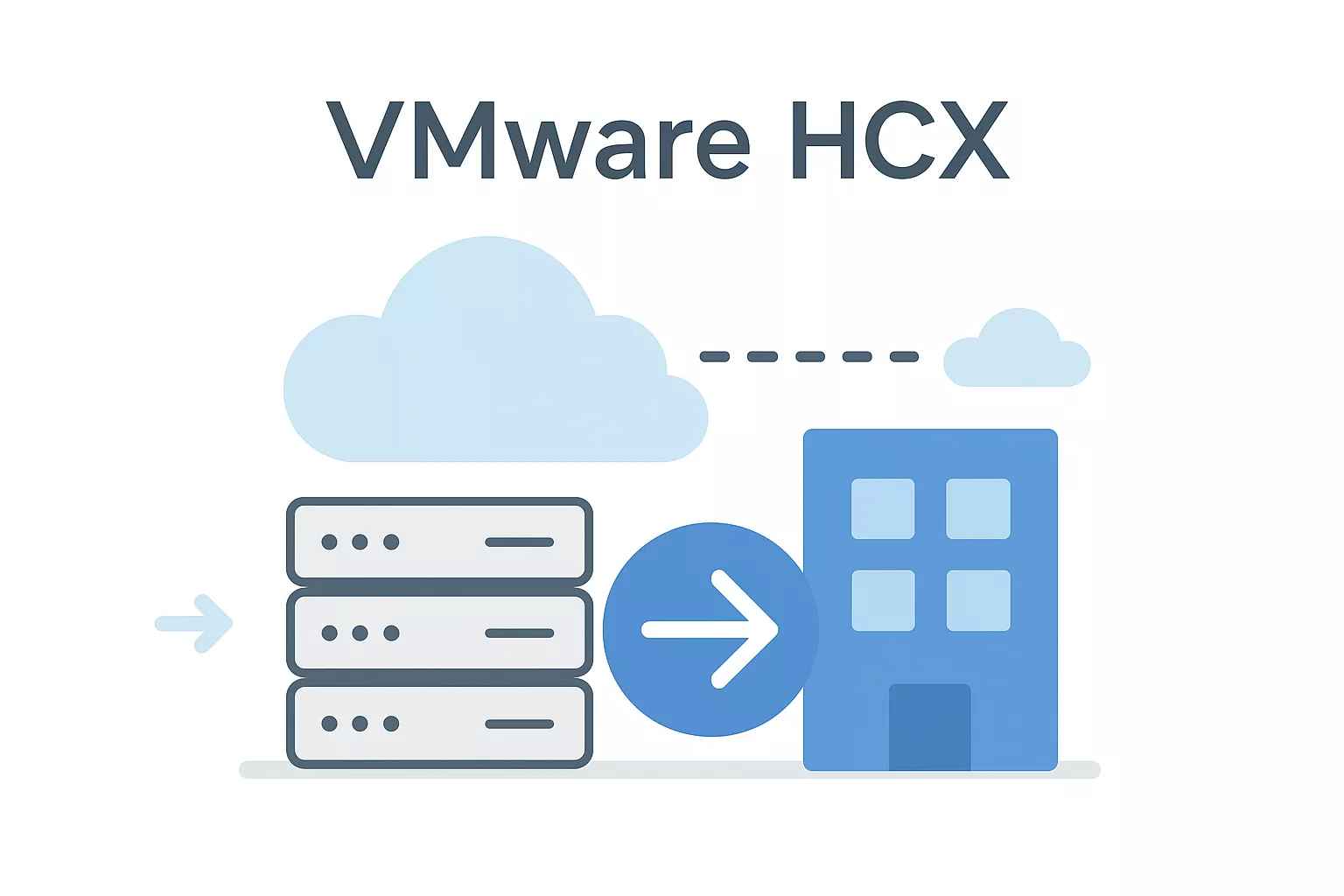
VMware HCX connects your on-premises VMware environment to a cloud destination by creating a dedicated network extension between the two sites. This lets virtual machines move without requiring IP address changes, which removes a significant source of migration-related downtime and reconfiguration work.
Keeping your VMs on the same IP addresses during migration eliminates one of the most common causes of application errors at cutover.
The platform supports several migration types, including bulk migration, cold migration, and live migration via vMotion, so you can pick the right approach based on how sensitive each workload is to downtime. Replication Assisted vMotion (RAV) handles large-scale migrations efficiently by batching VMs and synchronizing data before the final move.
VMware HCX fits organizations running large VMware vSphere environments on-premises who want to migrate to a VMware-compatible cloud destination like VMware Cloud on AWS. If your infrastructure is already standardized on VMware, this tool significantly reduces friction during the move.
Common use cases include:
VMware HCX is available in two tiers: HCX Advanced and HCX Enterprise, with Enterprise adding capabilities like RAV and OS-assisted migration. Pricing depends on your existing VMware licensing agreement and your target cloud destination.
OpenText Migrate (formerly Carbonite Migrate) handles physical-to-cloud, virtual-to-cloud, and cloud-to-cloud server migrations using continuous data replication. It sits in a useful middle ground among the best cloud migration tools because it works across a wide range of source environments without requiring you to commit to a single cloud vendor as your destination.
OpenText Migrate installs a lightweight agent on your source server and begins replicating data continuously to your target environment. This real-time sync keeps your source workloads fully operational during the transfer, so you're not scheduling long maintenance windows just to move a server.
Continuous replication before cutover is what keeps your downtime measured in minutes rather than hours.
Once your target environment is synchronized, you trigger a cutover and the tool completes the transition with minimal service interruption. It supports migrations to major public clouds including AWS, Azure, and Google Cloud, as well as private cloud targets.
OpenText Migrate fits teams with heterogeneous source environments who need flexibility in their target destination. It handles Windows and Linux workloads across physical servers, VMware, and Hyper-V, which makes it practical when your infrastructure doesn't follow a single standard.
Common use cases include:
OpenText Migrate uses a subscription-based licensing model priced per server. You purchase licenses based on the number of source servers you plan to migrate.
RiverMeadow is a SaaS-based cloud migration platform that automates the process of moving physical servers, virtual machines, and cloud instances to major public cloud providers. It handles the migration at both the OS and application layer, which gives you more coverage than tools that only replicate raw disk data.
RiverMeadow uses a SaaS delivery model, meaning you access the migration engine through a web interface rather than deploying on-premises infrastructure to run the tool. It supports both agentless and agent-based migration modes, so you can match the approach to your source environment's constraints.
Agentless discovery is particularly useful when you're migrating servers where installing software first isn't practical.
The platform handles OS, application, and data layer migration together, rather than treating them as separate steps. This end-to-end approach reduces the manual work your team needs to complete after a workload lands in the cloud.
RiverMeadow fits teams working with mixed source environments that include both physical and virtual servers across multiple hypervisors. If you're evaluating the best cloud migration tools for a heterogeneous infrastructure, this platform's multi-source support reduces the need to run separate tools for different workload types.
Common use cases include:
RiverMeadow prices migrations on a per-workload basis, so costs scale directly with the number of servers or instances you migrate rather than through a flat subscription.
IBM Turbonomic is an AI-powered application resource management platform that helps you plan, execute, and optimize workload migrations to the cloud. It takes a different angle than most of the best cloud migration tools covered in this guide by focusing on continuous resource optimization rather than raw data transfer mechanics.
Turbonomic uses AI-driven analysis to assess your entire application stack, including compute, storage, and network resources, and then generates automated actions to right-size workloads before and during migration. Instead of manually estimating what cloud instance types you need, the platform continuously monitors real-time demand and recommends the most cost-efficient placement for each workload.
Right-sizing your workloads before they land in the cloud is what prevents you from paying for excess capacity on day one.
It also integrates with major cloud platforms including AWS, Azure, and Google Cloud, so the optimization recommendations it generates apply directly to your target environment without requiring separate tooling.
Turbonomic fits teams that need ongoing visibility and control over their cloud resource consumption alongside migration planning. If your organization runs applications with variable resource demands, this platform helps you avoid both under-provisioning and overspending.
Common use cases include:
IBM Turbonomic uses an enterprise subscription model priced based on the number of managed nodes or virtual machines in your environment.
CloudBolt is a hybrid cloud management platform that helps organizations automate, orchestrate, and govern workloads across multiple cloud environments. It's built for teams managing infrastructure across AWS, Azure, Google Cloud, and private clouds simultaneously, and it brings policy-based controls and cost visibility into a single platform rather than requiring separate tools for each environment.
CloudBolt doesn't focus on raw data replication the way server migration tools do. Instead, it provides workflow automation and orchestration that lets your team provision cloud resources, enforce governance policies, and move workloads between environments through a centralized control plane. The platform integrates with existing tools like Terraform, Ansible, and ServiceNow, so you can plug it into your current automation toolchain without replacing everything you've already built.
Connecting CloudBolt to your existing automation stack reduces the manual coordination that typically slows multi-cloud migrations.
CloudBolt fits teams managing complex multi-cloud or hybrid cloud environments where governance, cost control, and self-service provisioning matter as much as the migration itself. It's less useful if you're executing a one-time lift-and-shift and more valuable when your organization needs ongoing operational control after the move completes.
Common use cases include:
CloudBolt uses an enterprise subscription pricing model based on the scale of your managed environment. Pricing varies depending on the number of cloud accounts, users, and integrations your team requires.
Datadog is an observability and monitoring platform that tracks the health and performance of your infrastructure, applications, and services in real time. While it doesn't handle raw data replication, it plays a critical role in the migration process by giving your team full visibility into how workloads behave as they move from on-premises to cloud environments.
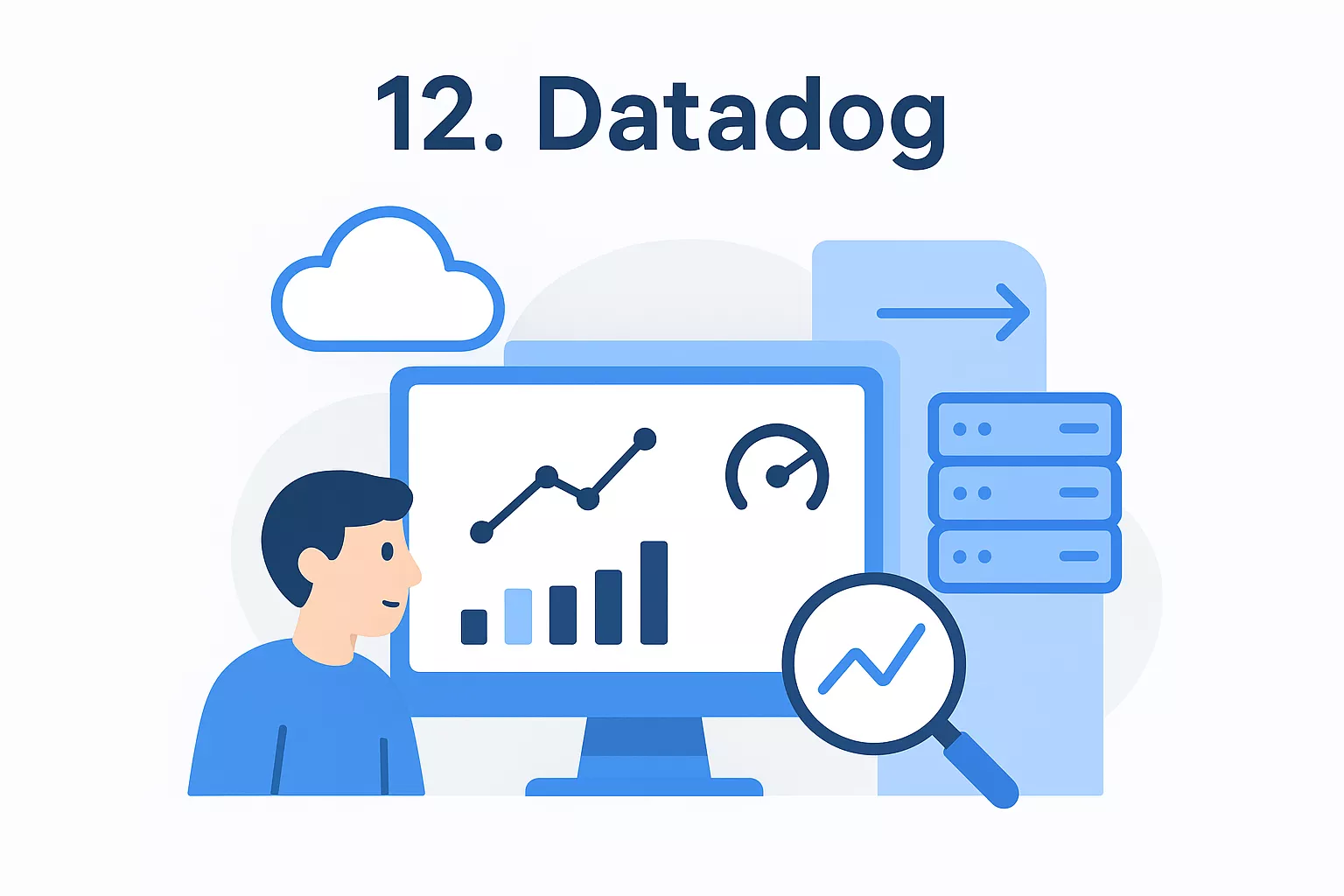
Datadog sits alongside your migration tooling rather than replacing it. You deploy lightweight agents on both your source and target environments, and Datadog collects metrics, logs, and traces from both sides simultaneously. This parallel monitoring lets you compare baseline performance in your old environment against post-migration behavior in the cloud, so you catch regressions before they affect end users.
Running Datadog on both environments during cutover is what gives your team the confidence to complete a migration rather than rolling it back at the last moment.
Datadog fits any team that wants real-time observability throughout their migration process rather than discovering something broke after cutover completes. Among the best cloud migration tools covered in this guide, it stands out as one of the few built specifically for detection and validation rather than data movement.
Common use cases include:
Datadog uses a usage-based pricing model that scales with your number of monitored hosts, log volumes, and the specific features your team enables. Costs can grow quickly in large environments, so reviewing your expected host count and retention needs before you commit to a tier matters.
Dynatrace is an AI-powered observability platform that monitors your applications, infrastructure, and cloud services through automated discovery and intelligent analysis. Like Datadog, it plays a supporting role during migration rather than handling raw data transfer, but it takes a distinctly different approach by automatically building a real-time topology map of your entire environment from a single deployed agent.
Dynatrace deploys a single OneAgent per host, which automatically discovers and monitors all processes, services, and dependencies running on that machine without manual configuration. During migration, this automatic dependency mapping gives you a live view of how your workloads connect, so you understand what needs to move together and what breaks when something gets left behind.
Mapping your full dependency topology before cutover is what prevents you from migrating a service and discovering its dependencies are still on-premises.
The platform's Davis AI engine continuously analyzes incoming telemetry and pinpoints root causes when something degrades, rather than surfacing a list of undifferentiated alerts your team has to work through manually.
Dynatrace fits teams running complex microservices or distributed applications where dependency chains are too interconnected to map by hand. If you're comparing the best cloud migration tools and your environment is highly interconnected, Dynatrace's automatic topology mapping significantly reduces your pre-migration discovery work.
Common use cases include:
Dynatrace uses a consumption-based pricing model tied to the number of monitored hosts, Kubernetes nodes, and data volume ingested.
Costs scale quickly in large environments, so review your expected host count and log retention needs before committing to a tier.
Terraform is HashiCorp's open-source infrastructure as code (IaC) tool that lets you define, provision, and manage cloud infrastructure through declarative configuration files. It sits in a different category from most of the best cloud migration tools in this guide because it doesn't move data, but it does automate the provisioning of your target cloud environment so your migrated workloads have somewhere accurate to land.
Terraform uses configuration files written in HashiCorp Configuration Language (HCL) to describe your target infrastructure. You define resources like compute instances, networking rules, and storage buckets in code, and Terraform provisions them against your cloud provider's API. During migration, this means your target environment gets built consistently and repeatably rather than through manual console clicks that are difficult to audit or replicate.
Defining your target infrastructure in code before you migrate a single workload gives you a reproducible environment you can rebuild or modify without starting from scratch.
The terraform plan command shows you exactly what Terraform will create, change, or destroy before it applies anything, which removes the guesswork from infrastructure changes during a migration.
Terraform fits teams that want full control over their target cloud infrastructure through version-controlled configuration files. It supports AWS, Azure, Google Cloud, and dozens of other providers through a provider plugin model, so your team uses the same tool regardless of which cloud you're building toward.
Common use cases include:
Choosing from the best cloud migration tools depends entirely on your specific environment, your target cloud, and how much your team can manage internally. Tools like AWS MGN and Azure Migrate handle the heavy lifting for lift-and-shift projects, while Terraform and Datadog give you infrastructure consistency and visibility throughout the process. Each tool on this list solves a specific problem, so matching the right one to your actual migration scenario matters more than picking the most popular name.
If your migration involves legacy systems, complex dependencies, or simultaneous modernization work, self-service tooling alone usually isn't enough. You need a team that can assess your environment accurately, build a migration runbook, and execute it without cutting corners. That's exactly what Brilworks does for companies moving to AWS. Visit Brilworks cloud migration and modernization services to talk through your environment and get a scoped plan built around your actual workloads.
The best cloud migration tools depend on your specific needs, such as data volume, application complexity, and cloud platform. Popular options include tools for data transfer, application migration, and server replication that help streamline the entire migration process.
To choose the best cloud migration tools, consider factors like compatibility with your existing systems, ease of use, automation capabilities, security features, and cost. The right tool should align with your migration strategy and business goals.
Some free cloud migration tools can handle basic migrations, especially for small projects. However, for larger or more complex systems, paid tools often offer better support, advanced features, and improved reliability.
Not all cloud migration tools support every type of application. Some are designed specifically for databases, while others focus on full application or server migration. It is important to choose tools that match your specific workload requirements.
The time required depends on factors like data size, network speed, and system complexity. The best cloud migration tools can significantly reduce migration time through automation and efficient data transfer processes.
Get In Touch
Contact us for your software development requirements
Get In Touch
Contact us for your software development requirements

Hello, we are BRILLIAN’S. Trying to make an effort to put the right people for you to get the best results. Just insight !

 503, Fortune Business Hub, Science City Road, Sola, Ahmedabad, Gujarat, India Pincode- 380060
 + 91 9313644148
 sales@brilworks.com


