Shifting your setup to the cloud seems easy at first, but things get complicated when you're dealing with a lot of moving parts, rules to follow, and a team that can't agree on what's important. If you don't have a solid plan for moving to the cloud, companies can waste a lot of money, miss important deadlines, and end up with a mixed system that's even harder to manage than what they had before. The risks are real - a migration that's not well thought out can cause problems for weeks and damage the trust between your tech and business teams.
Migrating to the cloud doesn't have to be a daunting task. In fact, with a clear plan, you can make the transition smoothly. This guide is designed to walk you through the entire process, from start to finish. We'll break it down into manageable steps, so you can tackle each phase with confidence. Whether you're moving a single application to a cloud platform like AWS or migrating a whole suite of services, we've got you covered. The key is to approach it in a structured way, where each step builds on the previous one, helping you minimize risks and keep things moving forward. By following this guide, you'll be able to assess your current situation, plan your migration, and optimize your cloud setup for maximum performance. So, let's get started and make your cloud migration a success.
At Brilworks, we have assisted numerous startups and large companies in planning and carrying out cloud migrations, using our expertise in AWS and hands-on engineering experience. This article shares our knowledge gained from working on many successful projects, allowing you to avoid typical mistakes and proceed with certainty.
What a cloud migration roadmap includes
A cloud migration roadmap is more than a project timeline. It's a living document that connects your business goals to technical decisions at every stage of the process. Most failed migrations share one root cause: teams treated the roadmap as a checklist rather than a structured decision framework that evolves as they learn more about their environment.
A roadmap without defined outcomes is just a list of tasks. Every element should tie back to a measurable business objective.
The core components
A solid roadmap covers six interconnected areas that work together throughout the migration lifecycle:
| Component | What it addresses |
|---|
| Business case and outcomes | Why you're migrating and what success looks like |
| Current state assessment | What you have today: workloads, dependencies, costs |
| Target architecture | What the cloud environment will look like post-migration |
| Migration strategy | How each workload moves (rehost, replatform, refactor, etc.) |
| Governance and security | Who owns what, how access is controlled, how costs are tracked |
| Validation and optimization | How you confirm each migration worked and improve over time |
Each component feeds the next. Skipping the assessment, for example, means your target architecture is built on assumptions rather than facts, which creates expensive rework later.
The migration strategies you'll assign to workloads
AWS defines a framework called the 6 R's of migration: Rehost, Replatform, Repurchase, Refactor, Retire, and Retain. You'll assign one of these strategies to each workload during the planning phase, and most organizations use a mix across their portfolio:
- Rehost (lift and shift): Move the workload as-is to the cloud. Fastest option, lowest immediate benefit.
- Replatform: Make targeted optimizations without changing the core architecture.
- Refactor: Redesign the application to take full advantage of cloud-native capabilities.
- Retire: Decommission workloads that no longer serve a purpose.
- Retain: Keep certain workloads on-premises, usually due to compliance or technical constraints.
Knowing which strategy fits each workload shapes your timeline, cost estimates, and team requirements before you write a single line of migration code.
Step 1. Set outcomes, scope, and a migration strategy
Before anything else, you need to answer why you're migrating and what a successful outcome looks like. This is really important because if you don't have a clear idea of what you're trying to do, it's going to be hard to make decisions about how to do it, and your team is going to get confused. By taking the time to think about what you want to accomplish, you can turn your big-picture goals into specific, concrete plans for migrating to the cloud. This helps you stay focused and makes sure everyone is on the same page, even before you start moving your first workload.
If you can't measure success before the migration starts, you won't be able to prove it after go-live either.
Define your business outcomes
Your outcomes need to be specific and tied to metrics. "Move to the cloud" is not an outcome. Cost reduction, faster deployment cycles, and disaster recovery targets are outcomes. Work with your finance, engineering, and operations stakeholders to agree on what matters most before scoping begins.
Use this template to document each outcome:
| Outcome | Current state | Target state | Owner |
|---|
| Reduce infrastructure cost | $120K/month | $80K/month | CFO |
| Cut deployment time | 3 hours | 20 minutes | CTO |
| Achieve uptime SLA | 99.5% | 99.9% | VP Engineering |
Lock down your scope
When you've figured out what you want to achieve, decide which tasks are part of the migration plan and which ones you'll put off or stop doing altogether. Then, match each task to one of the six options we talked about earlier - like whether to keep, replace, or get rid of it - and give each task a person in charge and a deadline. By doing this, you're making a clear plan with boundaries, which helps your team know what to focus on and prevents the project from getting too big and complicated when other important things come up. This way, everyone knows what they're doing and when it's due, so you can stay on track and get things done.
Step 2. Assess your current state and design the target cloud
Your cloud migration roadmap only works when it's built on accurate data. This step is where you inventory every workload, surface hidden dependencies, and translate what you find into a target architecture that actually fits your scale and compliance requirements.
Migrating a workload you don't fully understand is the fastest way to create outages and expensive rework.
Map your workloads and dependencies
Start by running a full discovery scan across your current infrastructure to capture compute, storage, databases, network configurations, and third-party integrations. AWS Application Discovery Service can automate much of this. For each workload, document its dependencies, performance baseline, and data sensitivity classification before any design work begins.
Use this structure for each workload entry:
| Workload | Dependencies | Data classification | Migration strategy | Owner |
|---|
| CRM backend | Auth service, DB | Confidential | Replatform | Backend lead |
| Static marketing site | CDN, DNS | Public | Rehost | DevOps |
| Payment processor | Third-party API, DB | Highly sensitive | Retain | Security team |
Design your target architecture
When you've finished making a list of everything you have, match each workload to its equivalent in the cloud and decide on the services, regions, and network setup you'll need. Make sure to plan out your VPC layout, IAM structure, and storage tiers before starting the migration process. Having a clear architecture diagram at this point will help prevent your engineering team from making decisions that clash with each other in the middle of the project. This way, everyone will be on the same page and you can avoid potential problems down the line.
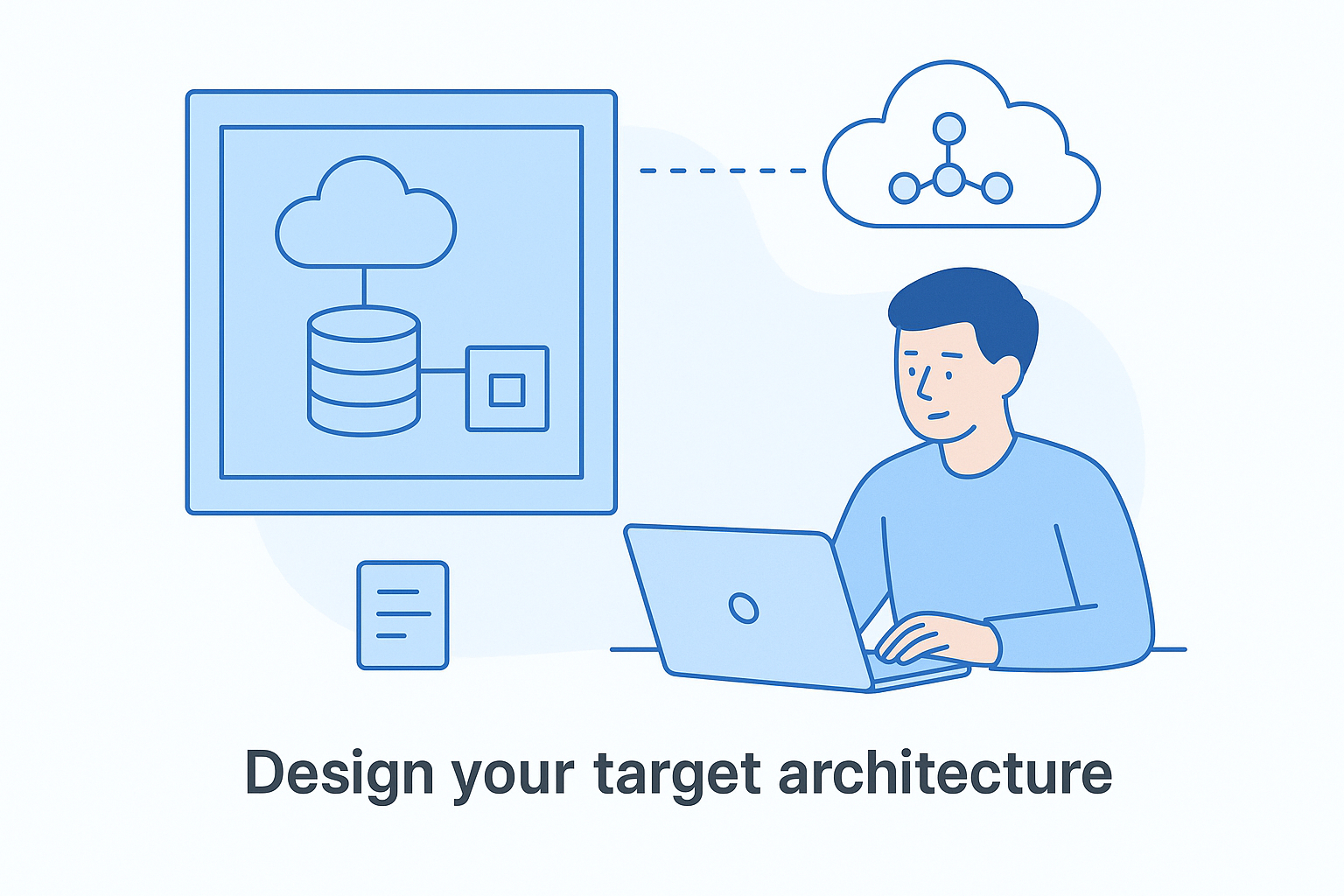
Your target architecture should also define the boundaries explicitly: which regions are approved, what encryption standards apply, and how workloads connect without overexposing internal services to unnecessary access.
Step 3. Build governance, security, and cost controls early
Governance decisions made late in a migration become expensive fixes. Setting up identity, access, and cost controls before workloads move gives your team a consistent operating foundation instead of a reactive cleanup effort. This step belongs in the early phases of your cloud migration roadmap, not as an afterthought once you've already provisioned infrastructure.
The earlier you define who can access what and who owns cost accountability, the fewer surprises you'll face at go-live.
Define IAM roles and access policies
Your IAM structure determines who can create, modify, or delete cloud resources. Map each team role (developer, DevOps engineer, auditor) to a least-privilege policy before any migration work begins. Use AWS IAM policy templates as your baseline and enforce multi-factor authentication across all accounts from day one.
| Team role | Access level | Example permissions |
|---|
| Developer | Limited | Read/write to assigned services only |
| DevOps engineer | Elevated | Deploy, scale, and monitor infrastructure |
| Security auditor | Read-only | View logs, policies, and access reports |
Set cost budgets and tagging standards
Tagging every resource from the start lets you trace spending back to specific workloads, teams, or environments without manual audits later. Create budget alerts in AWS Budgets at both the account and workload level so your team catches overruns before they compound. Define a mandatory tag schema and enforce it through AWS Config rules before any provisioning begins.
Use these four tags as your baseline:
- project: maps the resource to a specific initiative or product
- environment: dev, staging, or production
- owner: the team or individual accountable for the resource
- cost-center: the business unit responsible for the spend
Step 4. Migrate in phases and validate every cutover
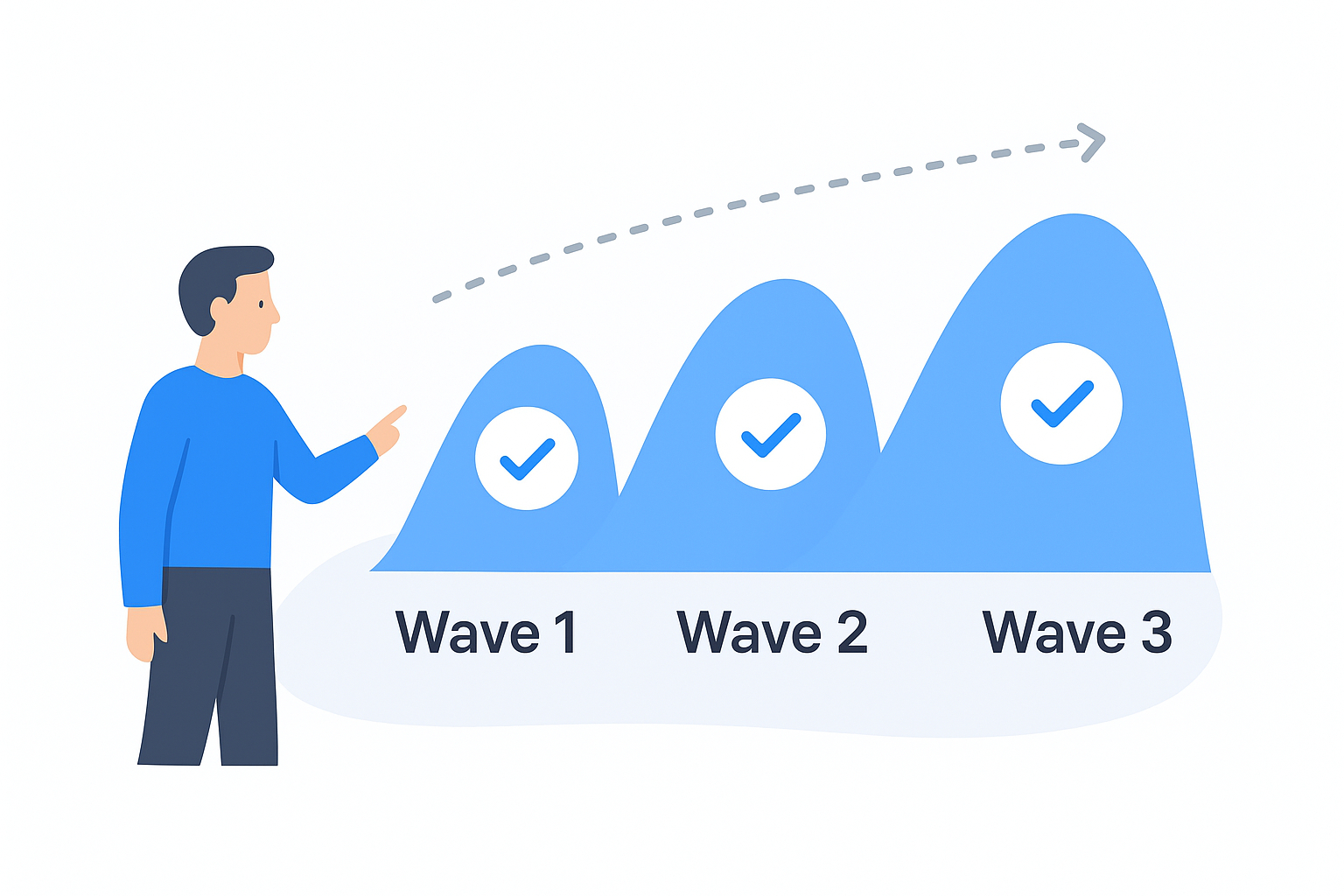
Running your entire cloud migration roadmap as one big-bang cutover is one of the most reliable ways to create simultaneous failures across multiple systems. Instead, group workloads into waves based on risk, dependency order, and business impact. Start with low-risk workloads to build team confidence, then progress to more complex, business-critical systems only after your process is proven.
Never migrate a workload your team hasn't tested in a staging environment that mirrors production as closely as possible.
Sequence your migration waves
Your waves should follow a low-to-high risk progression that lets you refine your runbook before critical systems are on the line. A typical three-wave structure looks like this:
| Wave | Workload type | Example |
|---|
| Wave 1 | Non-critical, low dependency | Static sites, dev environments |
| Wave 2 | Internal tools, moderate complexity | Internal dashboards, reporting services |
| Wave 3 | Business-critical, high dependency | Core application, payment systems |
Validate before and after every cutover
Each cutover needs a validation checklist that your team runs through before flipping traffic and again immediately after. Define explicit rollback criteria in advance so your team knows exactly when to revert without waiting for escalation decisions during an incident.
Use this checklist for every cutover:
- Smoke tests pass in the target cloud environment
- Data integrity verified against pre-migration snapshot
- Performance baseline matches or exceeds on-premises baseline
- Monitoring and alerting confirmed active
- Rollback procedure tested and documented
What to do after go-live
Go-live is not the finish line for your cloud migration roadmap. The work that follows determines whether you capture the full value of the migration or carry the same problems into a new environment. Your first 30 days post-migration are the most critical for catching configuration drift, unexpected costs, and performance gaps before they become embedded in your operations.
The teams that treat go-live as the beginning of an optimization cycle consistently outperform those that treat it as the end of a project.
Track performance against your baseline
Every workload you migrated has a performance baseline you documented in Step 2. Compare your live metrics against that baseline using Amazon CloudWatch and focus on these three signals in the first two weeks:
- Latency: flag any response time increase above 15 percent from baseline
- Error rate: alert on any spike above your pre-migration average
- Cost per transaction: watch for unexpected spend tied to over-provisioned resources
Decommission and refine
Once you've confirmed workloads are stable and performing as expected, shut down your on-premises equivalents immediately. Leaving old infrastructure running burns budget and creates confusion about which environment is authoritative. Review your tagging and cost data monthly and adjust reserved instance commitments or auto-scaling thresholds as your actual usage patterns become clear.
Schedule a 90-day architecture review after go-live to identify workloads that could benefit from refactoring now that you have real performance data. What made sense as a rehost decision during planning may become a strong candidate for replatforming once your team sees actual usage in production.
Next steps
Now that you have a clear plan for migrating to the cloud, it's essential to take it one step at a time. Your roadmap is designed to guide you through each phase, from setting goals to optimizing after launch. To get the most out of this process, follow the steps in order, rather than skipping ahead to the execution phase. The key to success lies in starting with the basics: define what you want to achieve with your business before you even think about touching your infrastructure or choosing a migration strategy. This first step is crucial, and it's where you should focus your attention right now. By doing so, you'll set yourself up for a smoother transition and a more successful outcome in the end.
To get started, try doing a discovery scan of your current setup this week. Write down five tasks you think should be moved first. For each one, decide on a migration plan using the 6 R's framework. Identify who's in charge and make a rough schedule. This simple exercise will show you more real problems than weeks of planning meetings. It's a good way to figure out what's really going on and make a plan that works.
When you're ready to move faster with a team that has done this before, talk to the cloud engineers at Brilworks about your migration goals.