Last updated May 18, 2026
Top 9 React JS Frameworks Developers Are Using in 2025

12 mins read
Summarize with AI:


Data
AI
The Stack Underneath
)
React is everywhere. But React alone doesn't ship products. The framework around it does.
Most teams don't struggle to find a React framework. They struggle to pick the right one for what they're actually building. By 2026, there is a React framework for almost every use case, server-rendered web apps, cross-platform mobile, static content sites, full-stack applications. The options are good. That's actually the problem.
Routing, server rendering, data fetching, UI components. React leaves all of this open by design. Frameworks fill those gaps. Pick the wrong one, and you'll feel it in two weeks, not two quarters.
Next.js, React Native, Astro, Remix. Same ecosystem, very different jobs. What three engineers loved in month one is usually what fifteen engineers are fighting in month six.
We've put together a straightforward breakdown of the frameworks that actually matter in 2026. What they're good at, where they fall short, and which one makes sense for your situation.
| Framework | Best For | SSR? | Maintained By | When to Skip |
|---|---|---|---|---|
| Next.js | Web apps, SaaS, eCommerce | Yes (hybrid) | Vercel | Overkill for simple static sites |
| React Native | iOS + Android mobile apps | No | Meta | When you need deep native hardware access |
| Gatsby | Static sites, blogs, content-heavy sites | Build-time only | Netlify | Not ideal for frequently updated dynamic content |
| Expo | Mobile apps (fast start) | No | Expo team | When you need full native control |
| Material UI | UI-consistent web apps, dashboards | No | Open source / community | When you need a fully custom design system |
| Remix / React Router 7 | Full-stack web apps, data-heavy UIs | Yes | Shopify | Early learning curve vs Next.js |
| React Bootstrap | Responsive layouts, admin panels | No | Community | When Bootstrap's design constraints feel limiting |
| Astro | Content sites, blogs, marketing pages | Partial (islands) | Astro team | When your app needs heavy client-side interactivity |
| TanStack Start | Full-stack apps, type-safe data fetching | Yes | TanStack | Still maturing — not production-default for large teams yet |
| Storybook | Component libraries, design systems | No | Chromatic | Not a standalone app framework |
A JavaScript library called React is used to create user interfaces, particularly dynamic ones that change rapidly in response to user input. React, developed by Facebook (now Meta), revolutionised UI development by dissecting interfaces into manageable, reusable parts.
The concept of a virtual DOM, or an in-memory representation of the actual DOM, is central to React. React updates just the necessary portions of the page whenever something changes, rather than the entire page. Because of this, React apps are quick and effective even as they get more complicated.
Since React only concentrates on the view layer, it is frequently referred to as the "V" in MVC (Model-View-Controller). It excludes server-side rendering, data management, and routing tools on its own. The surrounding ecosystem has thrived as a result. To fill in the gaps, developers have created React frameworks over time, which provide additional structure, pre-built features, and tools to help transform React into a comprehensive development solution.
Want to dive deeper into how React powers the front end? You might like our full guide on React for Front-End Development.

Technically, no. React is a JavaScript library. But honestly, that answer only tells half the story.
React handles one thing: the UI. React does the rendering. Routing, server rendering, data fetching, backend logic, those are your problem, not React's.
Here is where the confusion comes from. In practice, React almost always comes bundled with something. Next.js, Remix, Gatsby. That bundle starts feeling like one coherent system, which is where the framework label sticks. It has routing, it has server rendering, it has data handling. So developers call it a React framework, and honestly, that is not wrong in any practical sense.
The technical label matters less than understanding what React itself is responsible for. Once you see React as just the view layer, the real question shifts. It stops being "should I use React" and becomes "what goes around it." That second question is what this guide is for.
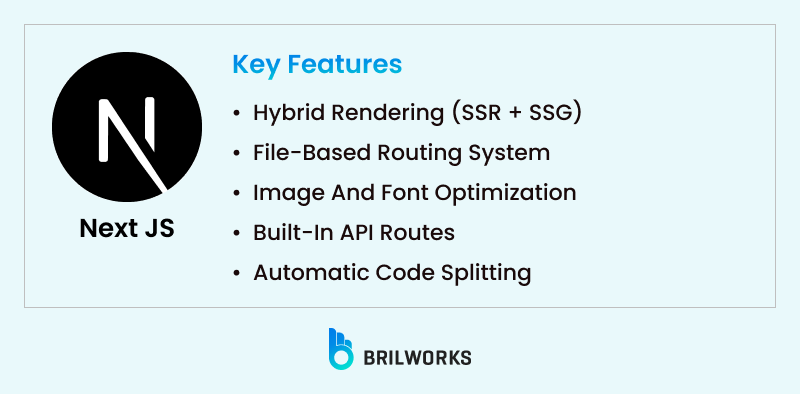
Next.js is at the top of this list because it earns it consistently across project types.
Most teams building for the web start here. Next.js handles routing, API endpoints, server-side rendering, and image optimisation without you having to assemble them from separate packages. A large eCommerce build and a simple blog follow the same core setup.
It is not just a frontend tool either. Next.js gives you backend capabilities through API routes, which means you can handle form submissions, authentication, and data calls without a separate server. State management is the one decision Next.js leaves entirely to you, so go in with a plan. Check out our guide on React state management if you haven't settled on an approach yet. And if the backend question is still open, our NestJS vs Next.js comparison is a good place to work that out.
For most web projects built on React, this is where we'd start. It covers the most ground without locking you into decisions you are not ready to make.
Hybrid rendering (SSR + SSG): You can choose between server-side rendering and static generation on a per-page basis. This gives you control over performance and SEO, depending on the page's needs.
File-based routing system: Simply create a file inside the pages/ directory, and it becomes a route. No need to configure routing manually—just name your files, and you’re good to go.
Image and font optimization: Next.js automatically optimizes images and fonts for faster loading times, which helps with both user experience and Core Web Vitals (aka Google’s ranking factors).
Built-in API routes: You can create serverless backend functions right inside your project. This makes it easy to handle things like form submissions, user auth, or API calls without setting up a separate backend.
Automatic code splitting: Next.js only loads the JavaScript needed for the page being viewed, which significantly reduces load times and improves performance.
Web applications that require a combination of static and dynamic content, quick load times, and SEO optimisation. Blogs, SaaS platforms, eCommerce websites, and pretty much anything else you would build for the web are all perfect for it.
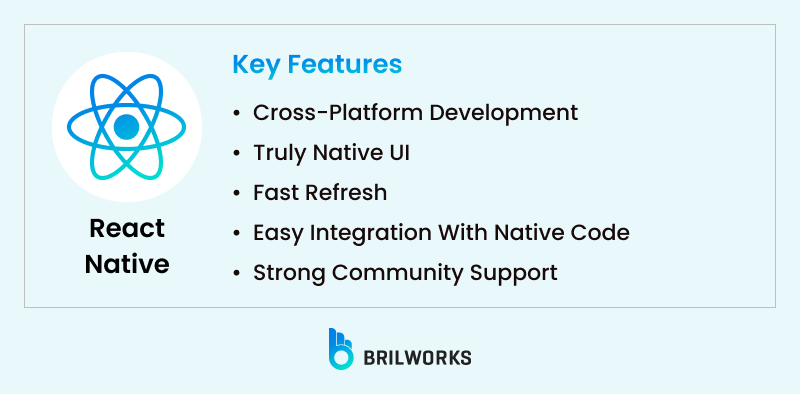
When the conversation turns to mobile, React Native is usually the first name that comes up. And for good reason.
Write JavaScript, ship to iOS and Android, get something that feels native on both. Not a web view dressed up as an app. The bridge to native components is real, and users notice the difference.
The bigger practical win is the codebase. Instead of maintaining separate iOS and Android projects, you work from one. Features ship to both platforms at the same time. Bugs get fixed once. Most teams don't have the bandwidth to run two native codebases. One codebase changes that math completely.
Our guide on cross-platform development gets into the tradeoffs if you want more detail. Still not sure whether to build one app for both Android and iOS or go native on each? That one is worth reading before you decide.
Also read: React Native for Beginners
Cross-platform development: Use one codebase for both Android and iOS, helping teams save time and resources while keeping updates consistent across platforms.
Truly native UI: React Native bridges to native components, so your app doesn’t feel like a web page wrapped in a mobile shell—it feels like the real thing.
Fast Refresh: Developers can instantly see their code changes reflected in the app, speeding up development and testing without restarting the whole app.
Easy integration with native code: Need to access device features like camera, Bluetooth, or location? React Native makes it straightforward to plug into native modules when needed.
Strong community support: With a massive developer base and mature ecosystem, there are plenty of libraries, tools, and guides to lean on as your app grows.
Constructing mobile applications that must function well on both Android and iOS. Perfect for internal tools, startups, MVPs, and even consumer apps of production quality.
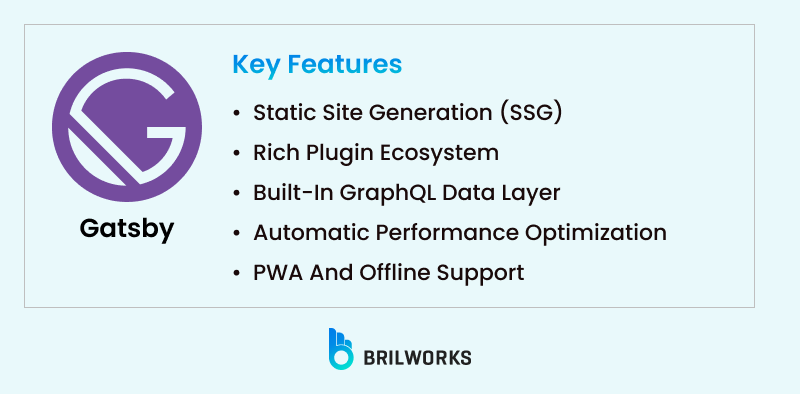
Gatsby has a clear focus. Speed-first static sites. That is what it was built for.
Everything gets built before anyone visits. When a user lands on the page, there is no server crunching a request in the background. The page is already there. For blogs, documentation portals, and marketing sites where a slow load costs you rankings and visitors, that matters more than most teams realize.
The speed is what gets teams interested. The ecosystem is what keeps them. GraphQL integration lets you pull from multiple content sources without wiring up custom pipelines. Most common requirements have a plugin already. For projects where content volume is high and performance is non-negotiable, Gatsby holds up well.
Static site generation (SSG): Gatsby builds your site as static HTML, CSS, and JS at compile time. This leads to lightning-fast load times and great SEO out of the box.
Rich plugin ecosystem: From sourcing data via CMSs like WordPress or headless systems like Contentful, to adding features like image optimization or analytics—there’s likely a plugin for it.
Built-in GraphQL data layer: Gatsby pulls in data from multiple sources and serves it through a unified GraphQL API. This gives you more flexibility in managing content and APIs.
Automatic performance optimization: Things like image compression, lazy loading, and code splitting are handled automatically, so you don’t have to tweak everything manually.
PWA and offline support: Gatsby makes it easy to build a progressive web app that works offline and feels like a native experience.
Static websites, marketing pages, personal blogs, and documentation sites where speed, SEO, and smooth performance are key priorities.
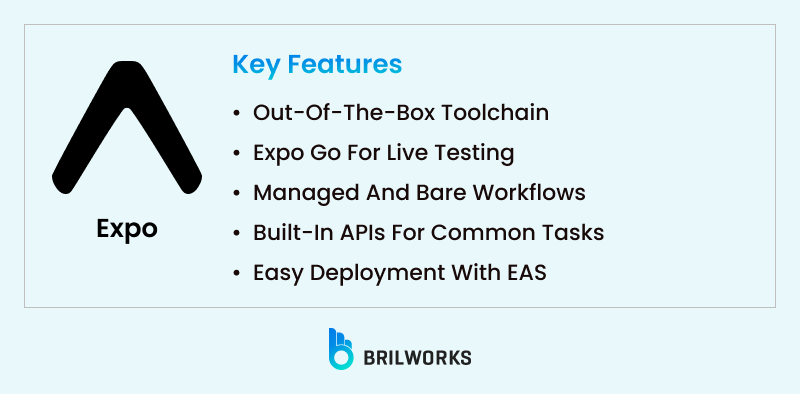
Expo is frequently referred to as the simplest way to get started with React Native, and it truly does live up to that claim. It is a platform and framework that builds upon React Native and provides developers with a collection of tools, services, and libraries to make the process of creating mobile apps even easier.
Expo can save a great deal of time if you're working under pressure or are new to mobile development. You can create, test, and launch apps with little setup, and you don't have to jump straight into native code.
Out-of-the-box toolchain: Expo comes with a full development environment right out of the box; you don't need to install Xcode or Android Studio to get started.
Expo Go for live testing: Without requiring a build process, you can quickly preview your app on a physical device by scanning a QR code. ideal for quick iterations.
Managed and bare workflows: Start simple with the managed workflow (no native code), and switch to the bare workflow later if you need full control.
Built-in APIs for common tasks: You can use Expo's prebuilt APIs to access the camera, location, notifications, haptics, and more without having to create your own native modules.
Easy deployment with EAS: Expo Application Services (EAS) let you build and submit apps to the App Store or Google Play without touching native code.
Developers who want to build React Native apps quickly and painlessly, especially for MVPs, prototypes, or apps where speed and simplicity matter more than deep customization.
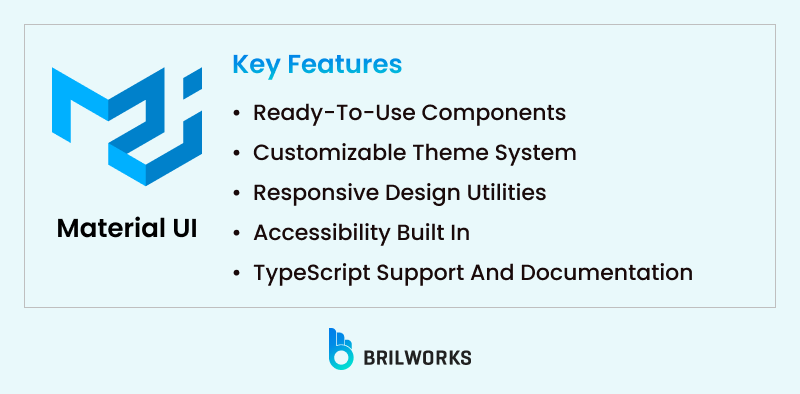
One of the most well-known UI libraries created for React is Material-UI, which is now called MUI. It gives your React apps a polished and unified appearance straight out of the box by incorporating Google's Material Design guidelines. MUI enables you to work more quickly without compromising the quality of your designs, whether you're creating admin panels, dashboards, or customer-facing web apps.
Having an adaptable, user-friendly design system that grows with your app is more important than simply having beautiful components.
Ready-to-use components: Buttons, modals, tables, tooltips, menus—MUI comes packed with polished components that save you from building everything from scratch.
Customizable theme system: You can easily override default styles or create a completely custom look that matches your brand using the theme configuration.
Responsive design utilities: Built-in support for breakpoints and responsive layouts helps your app look great on all screen sizes without extra effort.
Accessibility built in: MUI components follow accessibility best practices by default, so your app is more inclusive from the start.
TypeScript support and documentation: Strong TypeScript support plus clear docs make it easy to integrate and scale within modern React projects.
Web apps that prioritise design consistency and development speed, such as SaaS frontends, admin UIs, and internal dashboards.
This one deserves a direct explanation, it's been the most-asked question in the React community over the past year.
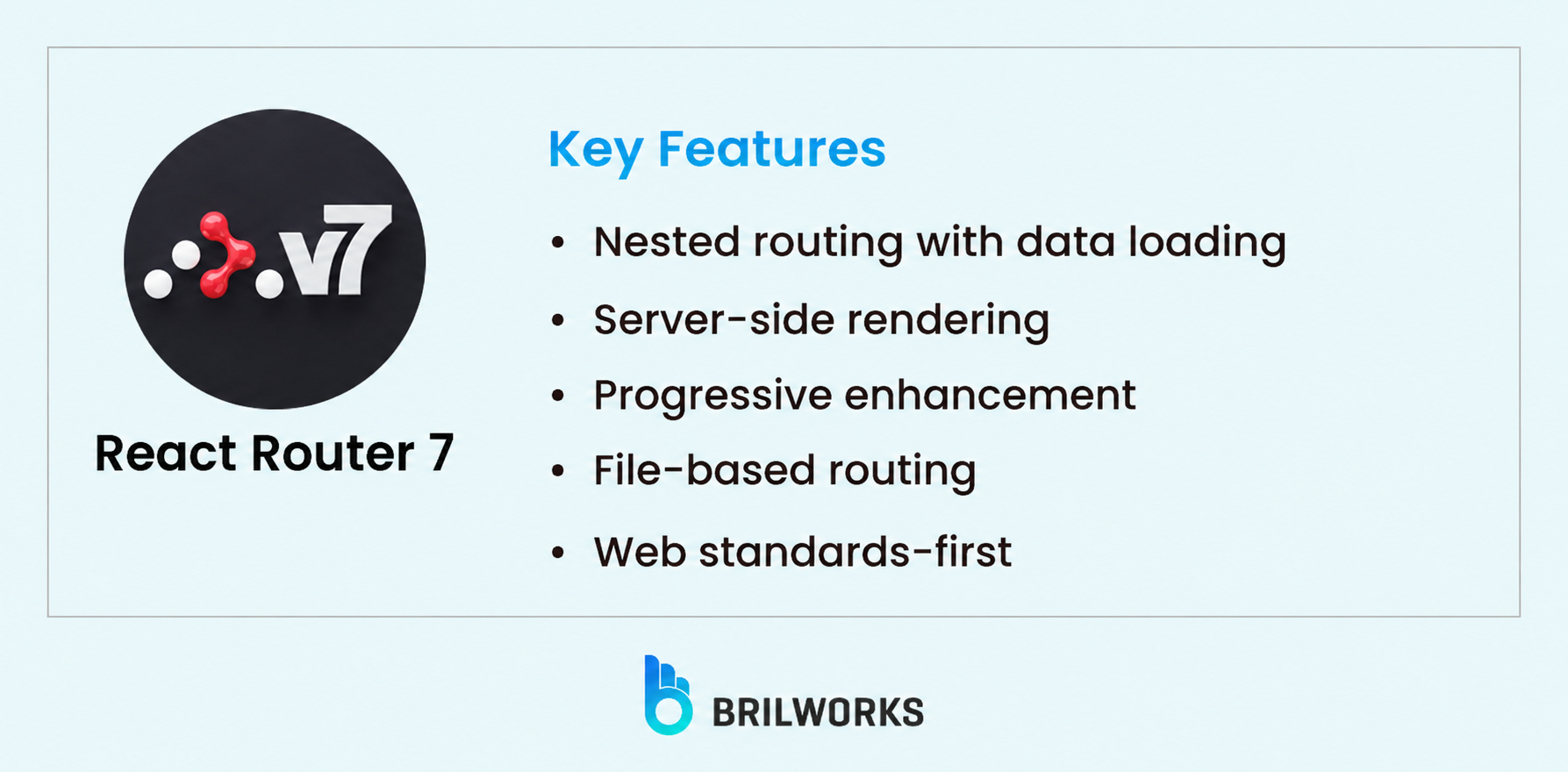
Remix and React Router were always related, both created by the same team. In late 2024, Shopify merged the two into React Router v7. Remix is now React Router 7. If you were building with Remix, you're already on the migration path. If you were avoiding it because of uncertainty, that uncertainty is largely resolved.
React Router 7 is a full-stack React framework with first-class support for server-side rendering, nested layouts, and data loading at the route level. It takes a different philosophy from Next.js, more focused on web standards and less on abstraction. That philosophy extends to React state management too — Remix/RR7 leans on URL state and server data over client-side stores wherever possible.
Key features:
Best for: Full-stack web applications where data loading, server rendering, and route-level architecture matter. A strong alternative to Next.js for teams that prefer a web-standards approach.
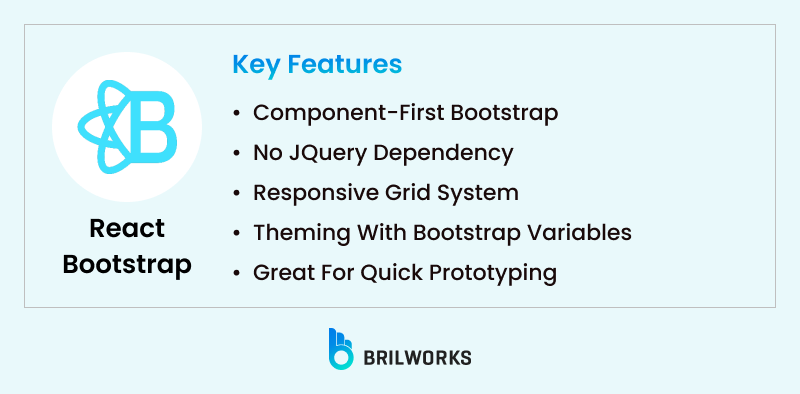
React Bootstrap is a popular React framework alternative for developers who are used to working with traditional Bootstrap. Using React components, it is a comprehensive redesign of the original Bootstrap framework. With the added benefit of a fully component-based architecture, this is a fantastic way to introduce your familiar layout system and styling into the React world if you're coming from a traditional Bootstrap background.
It's particularly useful for developers who wish to use contemporary React patterns while maintaining Bootstrap's responsive grid and utility-first design methodology.
Component-first Bootstrap: All the usual Bootstrap UI elements—like modals, navbars, carousels, and forms—are available as standalone React components, making it easier to manage your UI in a modular way.
No jQuery dependency: Unlike classic Bootstrap, React Bootstrap doesn’t rely on jQuery, which helps avoid conflicts and makes the app more React-friendly.
Responsive grid system: Leverages Bootstrap’s well-known 12-column grid layout that adapts beautifully across screen sizes without complex CSS.
Theming with Bootstrap variables: You can customize the entire look and feel using Bootstrap’s Sass variables, so you’re not locked into the default theme.
Great for quick prototyping: If you're under a deadline and need a clean, responsive UI fast, React Bootstrap helps you move quickly without building everything from scratch.
Developers who need to quickly create responsive, clean layouts, particularly helpful for admin panels, dashboards, and web tools, or who are already familiar with Bootstrap.
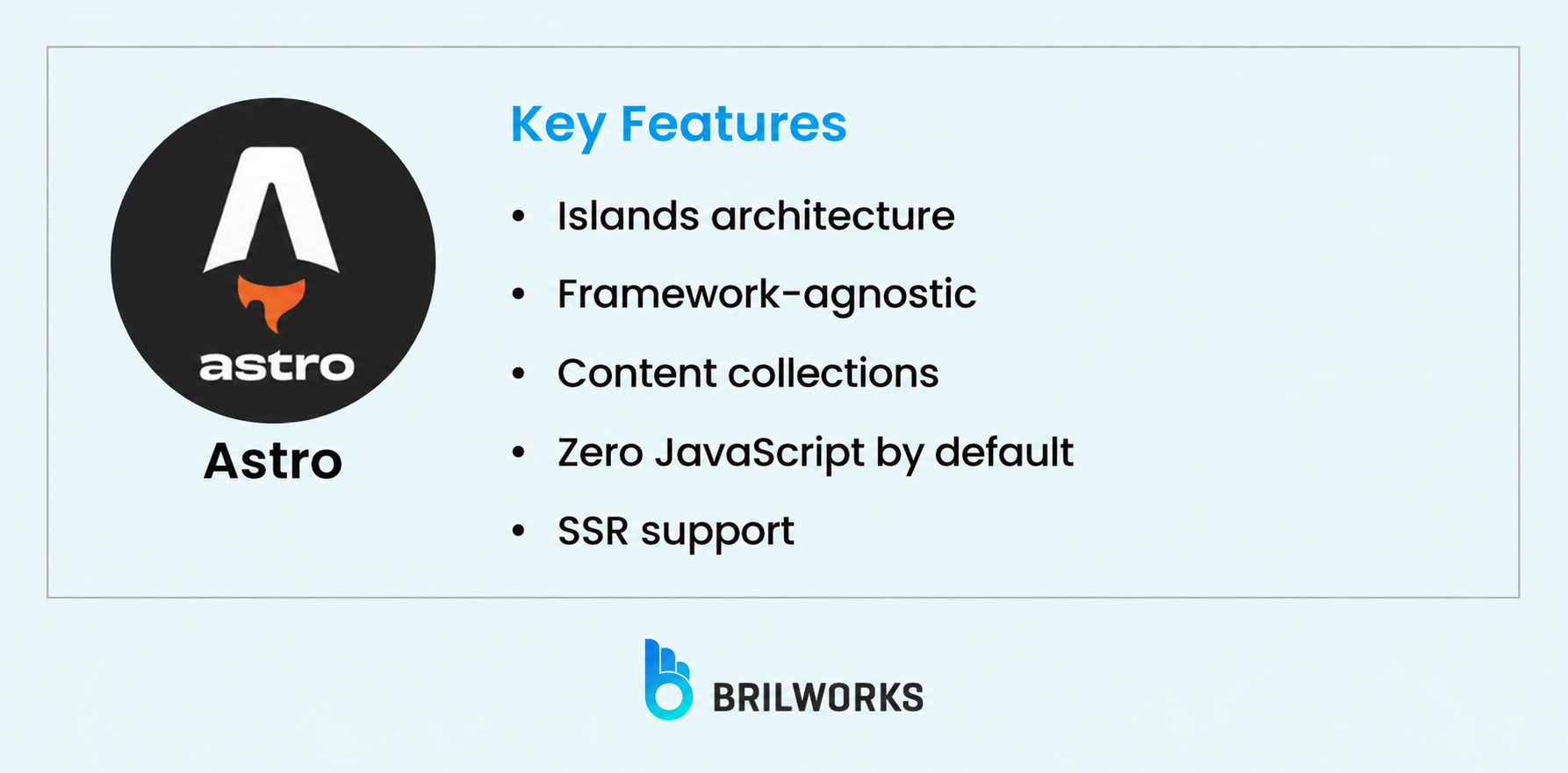
Astro's "islands architecture," where only interactive components ship JavaScript to the browser, and everything else renders as static HTML, makes it one of the fastest options for content-focused sites. React Server Components validated the core idea: send less JavaScript to the client. Astro has been doing this since 2022, and by 2026 it's a mature, production-ready framework with strong React integration.
Key features:
Best for: Content-heavy sites, blogs, marketing pages, and documentation where performance and SEO are critical. Not the right fit when your app requires heavy client-side interactivity across most pages.
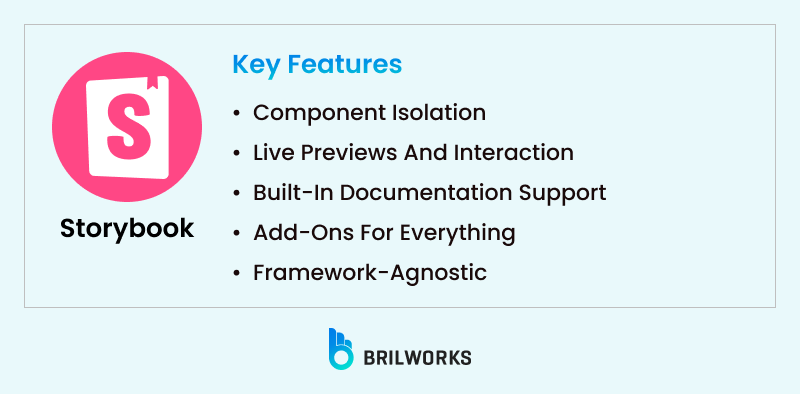
Storybook functions more like a development environment for creating and testing individual user interface components than it does as a framework in the conventional sense. However, it has become a crucial component of the workflow in the React framework ecosystem, particularly for teams working on large-scale apps or design systems.
Storybook allows you to create and view a button component independently, without having to launch your entire application to see how it looks. For testing, documentation, and developer-designer collaboration, it's a huge win.
Component isolation: There is no need to go through several screens to test a single component; instead, build and test each one separately from the rest of the application.
Live previews and interaction: You can play around with different props, states, and interactions in real-time, which makes debugging and refining components much easier.
Built-in documentation support: Automatically generate visual documentation for your components, which helps onboard new team members and align design and dev teams.
Add-ons for everything: From accessibility checks to viewport previews, Storybook offers a rich plugin ecosystem to improve your UI development experience.
Framework-agnostic: Storybook is a popular tool for React projects, but it also works with Vue, Angular, Svelte, and other frameworks, making it ideal for multi-framework environments.
Teams creating large apps, reusable component libraries, or design systems where documentation, testing, and UI consistency are crucial.
It's simple to feel overpowered by the abundance of options. The secret is to match the objectives of your project with the framework you choose:
Next.js is a great choice for server-side rendering in SEO-friendly web applications.
Use Expo or React Native for mobile development.
Gatsby is worth looking into for static websites or projects with a lot of content.
Material-UI, Storybook, or Semantic UI React can greatly expedite your process for UI consistency and teamwork.
Additionally, RedwoodJS is made specifically for full-stack applications that require close front-end-backend integration.
Ask yourself:
What platforms am I targeting—web, mobile, or both?
Does SEO matter for this project?
Will my team benefit from reusable, well-documented UI components?
How important is performance or scalability?
Once you know your priorities, the best React JS framework for your needs will become much clearer.
If you'd rather skip the evaluation entirely, you can hire experienced React developers who've already made these calls across dozens of projects.

React has been stable and predictable for years. But 2025 and early 2026 brought a few changes worth knowing before you pick a framework.
React 19 is now the stable baseline. React Server Components are no longer experimental, they're production-ready and the default in Next.js 15. This shifts how teams think about data fetching: less client-side useEffect, more server-side async components.
React Router 7 absorbed Remix. Shopify merged Remix into React Router in late 2024. It's the biggest framework consolidation in the React ecosystem in years, and the most common question we got from clients in 2025. If you were on Remix, you're now on React Router 7. The instability concerns are largely resolved.
Server Components changed the framework conversation. Astro's islands architecture and TanStack Start's type-safe approach both gained traction because of it. These aren't niche tools anymore.
We discussed the best JavaScript frameworks and how to pick one for your project in one of our most recent blogs. React was unique due to its thriving ecosystem as well as its widespread use. The selection of tools has grown more specialised, ranging from Next.js for building lightning-fast websites to React Native for developing fully native mobile apps. There is probably a React-based solution specifically made for the front-end user interface, mobile development, or design systems that you are working on.
The performance of your application and your productivity as a developer can be greatly impacted by the React framework you choose, regardless of whether you work alone or as a member of a larger product team.
We can assist you in determining where to begin when you are considering your options for your next project. Our team can help you find the ideal setup and make it a reality, whether you're developing a website, scaling a product, or delving into React Native app development.
React JS is a JavaScript library—not a framework. However, many developers refer to it as a framework because it's often used with tools and libraries that extend its capabilities, making it feel like a complete framework.
Next.js is widely considered one of the best React frameworks for web development due to its built-in routing, server-side rendering, and performance optimizations.
React is used to build web applications, while React Native is a framework that allows you to create native mobile apps using the same React syntax and principles.
Not necessarily. You can build with plain React, but frameworks like Next.js, Gatsby, or tools like Material-UI help speed up development and add powerful features out of the box.
It depends on your goals. For SEO-friendly sites, go with Next.js. For mobile apps, React Native or Expo works best. For UI design systems, consider Material-UI or Storybook.
It depends on what you're building. Next.js is the safer default for most web apps, especially if SEO, static generation, or Vercel deployment are part of your requirements. Remix / React Router 7 is worth choosing when your app is data-heavy, form-driven, or when you want to stay closer to web platform standards. Both support server-side rendering. The deciding factor is usually team familiarity and deployment preference, not capability.
You might also like

Hello, we are BRILLIAN’S. Trying to make an effort to put the right people for you to get the best results. Just insight !