COOPERATION MODEL
ARTIFICIAL INTELLIGENCE
PRODUCT ENGINEERING
DevOps & Cloud
LOW-CODE/NO-CODE DEVELOPMENT
INDUSTRY
FRONTEND DEVELOPMENT
CLOUD DEVELOPMENT
MOBILE APP DEVELOPMENT
LOW CODE/ NO CODE DEVELOPMENT
EMERGING TECHNOLOGIES



 5 mins read
 Last updated March 11, 2026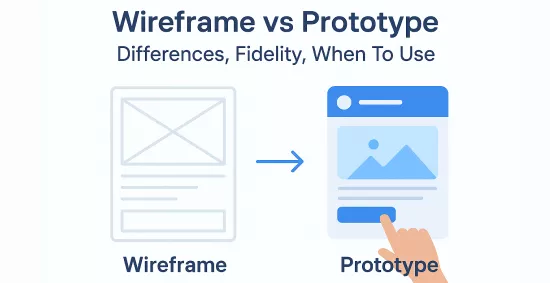
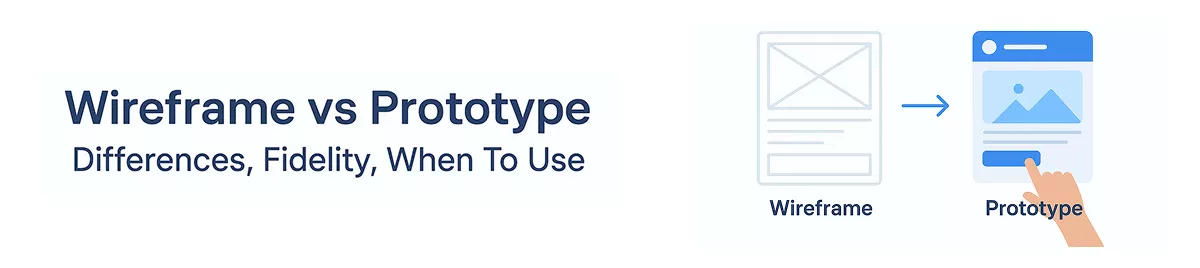
The wireframe vs prototype debate trips up even experienced product teams. Both are essential UX design artifacts, but they serve fundamentally different purposes, and using one when you need the other can waste weeks of development time and budget. Understanding when and why to use each saves you from building the wrong thing.
A wireframe is a structural blueprint. A prototype is a functional simulation. That distinction sounds simple, but the details matter, especially when you're communicating with developers, stakeholders, or investors who each need different levels of clarity at different stages. Choosing the right artifact at the right moment keeps your product development process lean and focused.
At Brilworks, we build custom software products from initial concept through launch, and we've seen firsthand how teams that nail their wireframing and prototyping workflow ship faster with fewer costly revisions. Teams that skip or confuse these steps almost always pay for it later. This article breaks down the real differences between wireframes and prototypes, covering fidelity levels, use cases, and practical guidance on when to reach for each one.
Most failed product launches share a common root cause: assumptions that never get tested before development starts. Wireframes and prototypes exist to close the gap between what a team thinks users want and what users actually need. When you skip these steps, you hand developers a vague brief and hope for the best. That rarely ends well, and it almost always costs far more to fix later than it would have to validate early.
Building software without visual validation is one of the most reliable ways to burn through your budget. Development time is your most valuable resource, and the wireframe vs prototype conversation is really about protecting it. When your team aligns on structure and flow before writing a single line of code, you eliminate the back-and-forth that turns a three-month build into a six-month one.
The cost of fixing a design problem during development is roughly five to ten times higher than catching it at the wireframe or prototype stage.
Studies in software engineering consistently show that errors caught during design cost a fraction of what they cost when caught after development. A wireframe session that takes two days can prevent a two-week sprint of rework that derails your entire roadmap.
Product decisions rarely involve just one person. Founders, product managers, developers, and investors all have opinions, and those opinions diverge fast when there is nothing concrete to look at. Wireframes give stakeholders a shared visual reference that grounds conversations in something real rather than abstract descriptions pulled from a requirements document.
Prototypes take that alignment even further. When stakeholders can click through a working simulation of the product, their feedback becomes specific and actionable rather than vague and contradictory. You stop having meetings about what something might look like and start having direct conversations about whether it actually works.
You learn the most about a product when you watch someone use it for the first time. Usability testing on a prototype costs a fraction of usability testing on a live product, and the insights you gather are just as valuable. Catching a confusing navigation flow or a broken user journey at the prototype stage means your development team never has to touch it twice.
Early validation shortens your feedback loop and gives you the confidence to build with purpose rather than guessing your way through a release.
A wireframe is a low-fidelity, static layout that maps out where elements will sit on a screen. It focuses entirely on structure and information hierarchy, stripping away color, typography, and imagery to keep conversations focused on layout rather than aesthetics. Think of it as a rough architectural sketch: it shows where the walls go, not what color you will paint them.
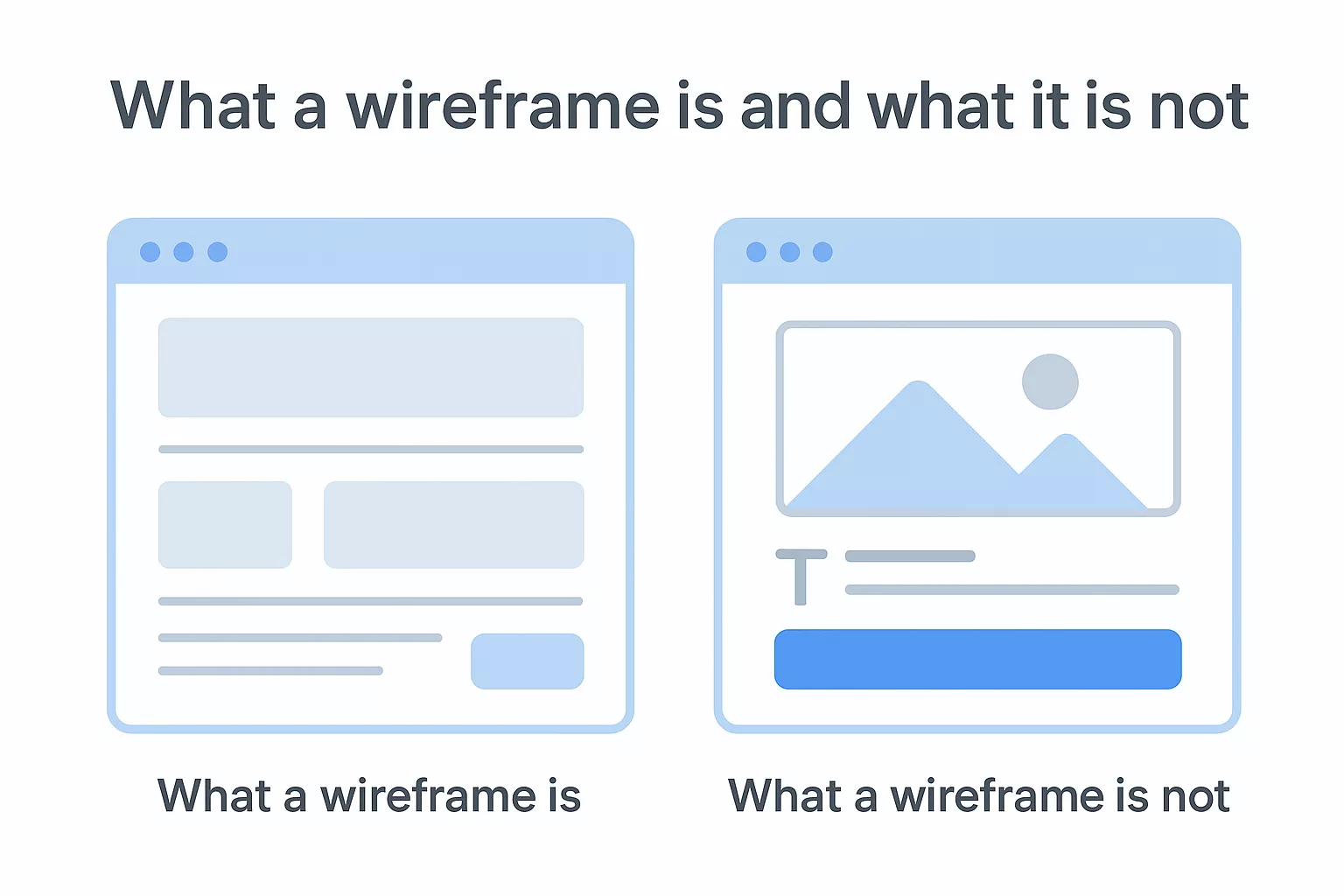
Wireframes communicate page structure, content placement, and navigation flow without the distraction of visual design decisions. You use them to answer fundamental questions: Where does the call-to-action go? How does the user move from one screen to the next? Speed and simplicity are the whole point. A wireframe you can sketch in an hour is more valuable than a polished design that locks you into choices before you have validated the core concept. Your team gets a shared reference point without burning days on details that may change entirely.
Wireframes work best when they are rough enough to invite feedback, but specific enough to communicate clear intent.
A wireframe is not a visual design mockup. It does not represent final fonts, brand colors, or pixel-perfect spacing. Expecting your stakeholders to evaluate branding decisions from a wireframe sets the wrong expectations and pulls the conversation away from structure toward style before you are ready for that discussion.
This distinction sits at the core of the wireframe vs prototype debate. A wireframe is also not interactive: users cannot click through it or experience a real flow. It is a planning tool, not a validation tool. Once you need to test how something actually works, you have moved into prototype territory.
A prototype is a functional, interactive simulation of your product that lets users and stakeholders experience actual flows rather than imagine them. Where a wireframe shows structure, a prototype demonstrates behavior and interaction, giving you something real to test, validate, and iterate on before a single line of production code gets written.
Prototypes exist on a spectrum of fidelity. A low-fidelity prototype might be a series of linked static screens that simulate navigation, while a high-fidelity prototype closely mirrors the final product in both appearance and interaction. Either way, the goal is the same: give real people something to click through so you can observe how they move, where they hesitate, and what confuses them.
Testing a prototype with five users typically uncovers more usability problems than most internal design reviews ever will.
Your prototype becomes the primary validation tool in your UX process, confirming that your design solves the actual user problem before your development team invests weeks of effort building it.
A prototype is not a finished product. It does not need to handle real data, connect to live systems, or perform at production scale. Treating it like a complete build misses the point entirely: its value comes from how quickly you can test and learn from it, not how polished it looks under the hood.
In the wireframe vs prototype comparison, the prototype is also not a replacement for the wireframe phase. Skipping directly to a prototype before validating your core structure means you build the wrong interactions on a fundamentally flawed layout, which costs far more time to unravel than the wireframe stage would have taken.
The clearest way to separate wireframes from prototypes is to look at three factors: fidelity, interactivity, and purpose. These three dimensions tell you exactly what each artifact does and why you would reach for one over the other at a specific stage of your product build. Many teams blur these boundaries, and the result is wasted feedback cycles and misaligned expectations before development even begins.
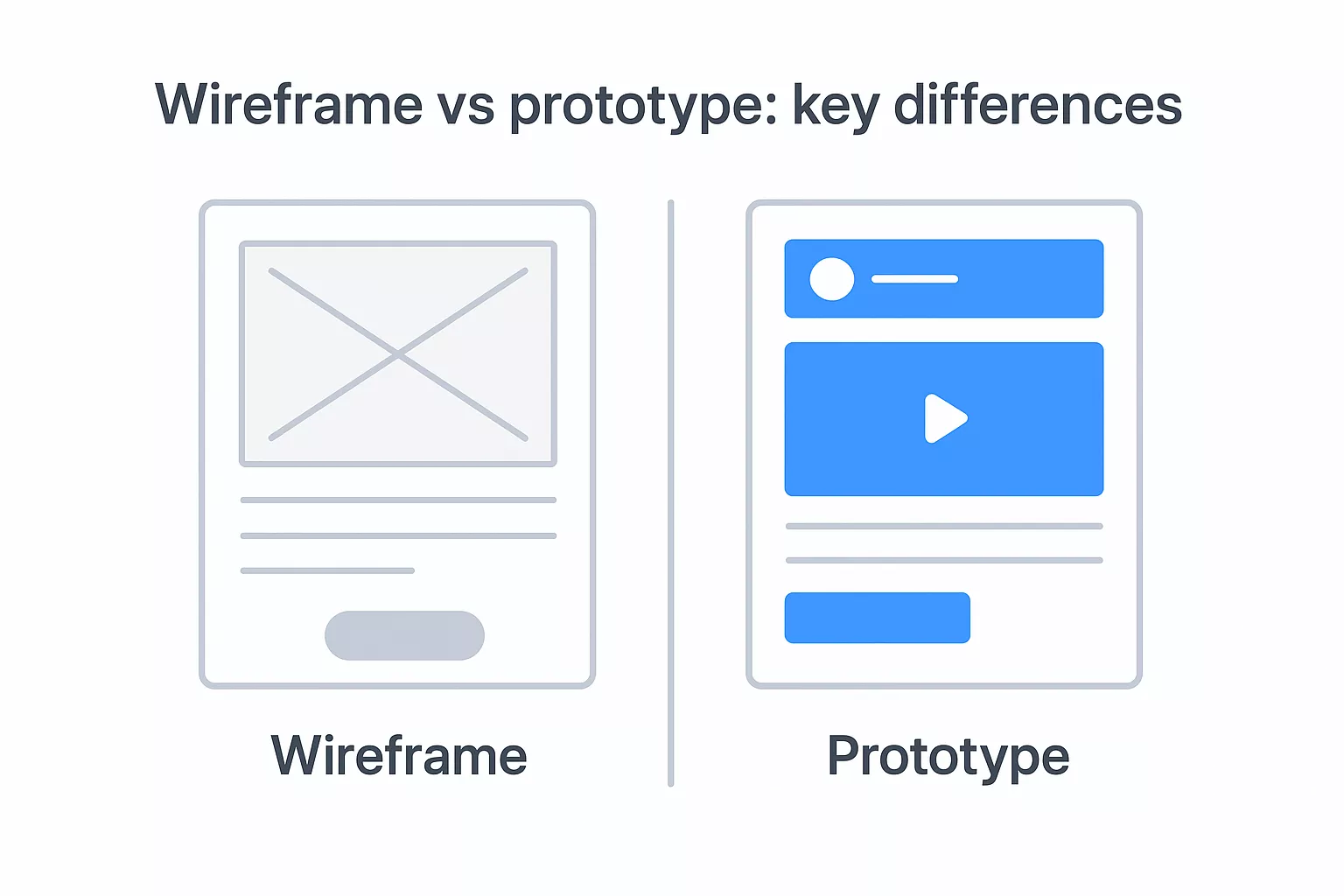
The table below maps the core distinctions between wireframes and prototypes across the factors that matter most when your team is deciding which artifact to produce right now.
| Factor | Wireframe | Prototype |
|---|---|---|
| Fidelity | Low | Low to high |
| Interactivity | Static | Clickable and interactive |
| Primary purpose | Layout and structure | Behavior and user testing |
| Stage of use | Early planning | Post-structure validation |
| Time to produce | Hours | Days to weeks |
| Feedback focus | Content placement | User flow and usability |
When you use the right artifact at the right stage, your feedback cycles get shorter and your development sprints get cleaner.
The wireframe vs prototype distinction comes down to what question you are trying to answer. Wireframes answer "where does everything go?" while prototypes answer "does this actually work for real users?" Treating a wireframe like a prototype forces your stakeholders to imagine interactions rather than experience them, which produces vague feedback and misaligned decisions. Treating a prototype like a wireframe means you invest significant time in interaction design before you have confirmed your core structure is sound.
Fidelity is the other key separator. Wireframes stay deliberately low-fidelity so your team can iterate without emotional attachment to visual details. Prototypes span a wider range, from rough clickable sketches to near-finished simulations that closely mirror the final product. Your choice of prototype fidelity should match your testing goal.
The wireframe vs prototype decision follows a natural progression in your UX workflow. You start with the wireframe phase when you need to lock down structure and content hierarchy before anything else. Once your team agrees that the layout makes sense and the navigation logic is sound, you shift to prototyping to test whether those decisions actually hold up with real users.
Pull out a wireframe at the beginning of any new feature or product, before design tools, component libraries, or visual specs enter the conversation. Your goal at this stage is to get layout decisions on paper quickly so your team can debate structure without investing hours in polished visuals that may get scrapped entirely.
Wireframes work best when you treat them as disposable: easy to change, fast to produce, and focused entirely on structure.
Use wireframes to align product managers, designers, and developers on where key elements live and how screens connect. This stage is also where you catch fundamental navigation problems before they get baked into interactive flows that are far harder to unravel.
Once your wireframes survive a stakeholder review and internal critique, move to prototyping. This is the stage where you add interaction, simulate real user flows, and run usability tests with actual target users. Your prototype gives you the clearest picture of whether your design solves the problem you set out to solve.
Bring in a prototype when you need investor buy-in, user research sessions, or developer handoffs that require more than a static layout. A working prototype removes ambiguity and gives every stakeholder something concrete to evaluate, which tightens your feedback loop and shortens your path to a confident build decision.
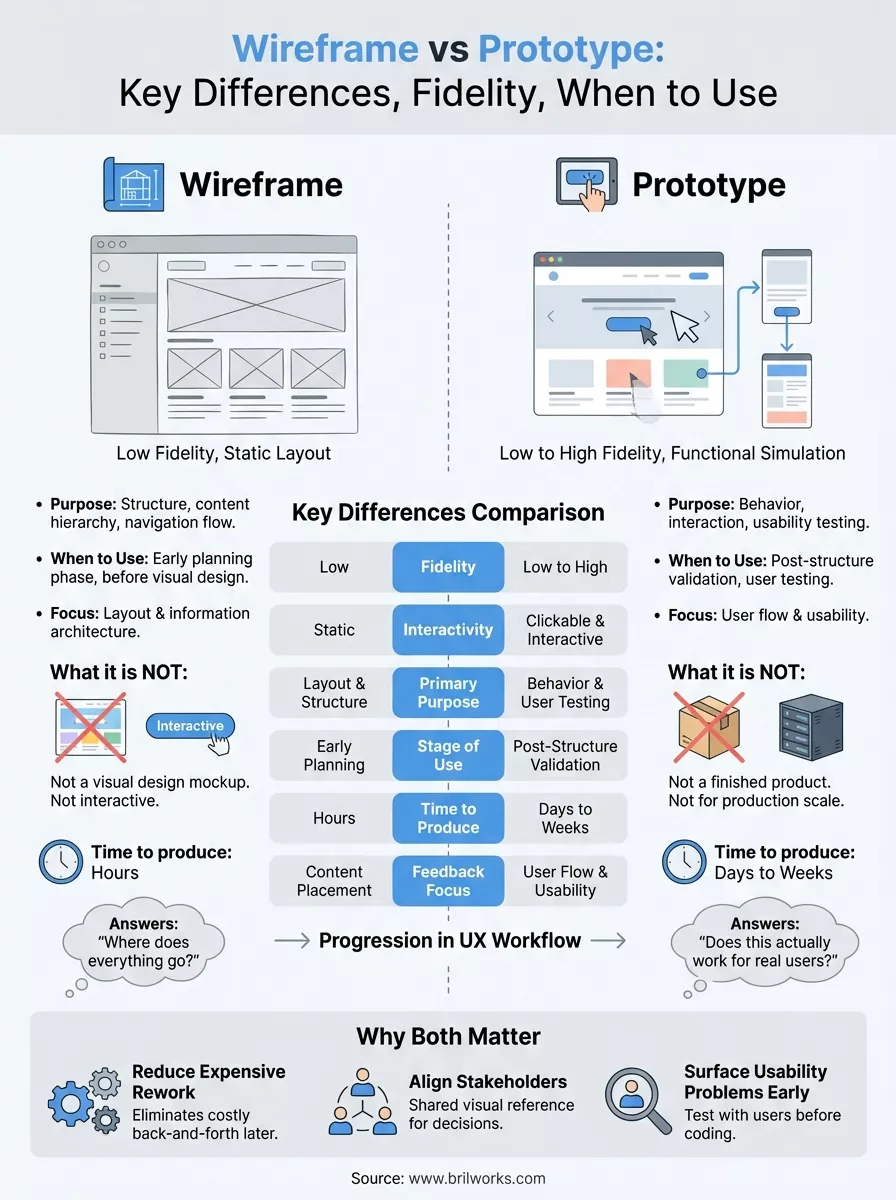
The wireframe vs prototype distinction is not a technicality: it is a workflow decision that directly affects how fast you ship and how much you spend getting there. Wireframes lock down your structure early, while prototypes validate that your design actually works for real users. Skipping either step forces your development team to build on assumptions rather than evidence, and that gap almost always turns into costly rework.
Your next move is simple. Map out where your current product or feature sits in the design process, then choose the artifact that matches what you need to validate right now. If you are still sorting out layout and navigation, start with a wireframe. If your structure is solid and you need to test real user flows, move to a prototype.
If you want a technical partner who can take your product from concept to launch, get in touch with the Brilworks team.
The key difference in Wireframe vs Prototype is that wireframes are low-fidelity static blueprints showing layout and structure, while prototypes are interactive simulations demonstrating user flow and functionality. In the Wireframe vs Prototype comparison, wireframes focus on content placement and hierarchy, whereas prototypes showcase how the product actually works with clickable elements and transitions.
In deciding Wireframe vs Prototype timing, use wireframes early in the design process to establish information architecture, validate layouts with stakeholders, and get quick feedback on structure. Use prototypes later to test user interactions, validate design decisions through usability testing, and demonstrate functionality to developers. The Wireframe vs Prototype decision depends on your project phase and validation needs.
Fidelity in Wireframe vs Prototype refers to detail level and realism. Wireframes typically range from low-fidelity (basic sketches) to mid-fidelity (detailed layouts), while prototypes span low-fidelity (clickable wireframes) to high-fidelity (pixel-perfect interactive designs). Understanding fidelity in Wireframe vs Prototype helps teams choose appropriate detail levels for each project stage.
Time investment in Wireframe vs Prototype differs significantly: basic wireframes take hours to 1-2 days, detailed wireframes require 3-5 days, low-fidelity prototypes need 1-2 weeks, and high-fidelity prototypes take 2-4 weeks. The Wireframe vs Prototype timeline depends on complexity, number of screens, and required interactions.
Popular tools for Wireframe vs Prototype include Figma, Sketch, and Adobe XD (both wireframes and prototypes), Balsamiq and Whimsical (wireframes), InVision and Framer (prototypes), and Axure (advanced prototypes). Modern Wireframe vs Prototype tools often support both, allowing designers to evolve wireframes into prototypes within the same platform.
Get In Touch
Contact us for your software development requirements
Get In Touch
Contact us for your software development requirements

Hello, we are BRILLIAN’S. Trying to make an effort to put the right people for you to get the best results. Just insight !

 503, Fortune Business Hub, Science City Road, Sola, Ahmedabad, Gujarat, India Pincode- 380060
 + 91 9313644148
 sales@brilworks.com


